Full Screen Panel

*New Feature: Video support for YouTube and Vimeo Links

Style Options

  • Default
  • Fixed Background
  • Fancy

Additional Panel Options  

  • Hide Title: Hides item titles so you can keep the titles in Showtime for your reference but have them not display on the front end. 

Available Item Fields

  • Image (1600px by 1000px)
  • Title
  • Logo
  • Button Link
  • Button Text
  • Body
  • Video Background (YouTube and Vimeo links) supported

Full Screen Panel (Default)

  • Uses 1 item.
  • Supports both images*, YouTube, Vimeo, and muted mp4 background video. 

​​​​​​*Do not include text on the image itself as the image will crop based on browser width and height. Use the Item Title and Body fields to ensure text is viewable on all device sizes. 

Subtitle Goes Here

Title Goes Here

Pellentesque nibh sapien, congue in purus ut, mattis commodo ante. Duis dictum dolor in mi molestie laoreet at dapibus arcu. Nullam sit amet hendrerit ligula. Duis maximus purus vel ante volutpat mollis. Suspendisse suscipit eros vitae magna pharetra, non accumsan tellus consectetur. Quisque varius, enim sit amet aliquam laoreet, libero nibh dapibus nulla, non fringilla lectus nisl vel massa. Integer a purus libero.

Button 1Button 2Button 3

button text

Intro Panel (Default) w/Video (MP4, YouTube, or Vimeo)

New Feature: Video support for YouTube and Vimeo Links

  • Uses 1 Item.

  • When you set the Full Screen panel style to default, you can display a muted background video.

  • For MP4s, You’ll use the Add Media button next to "Image" to add your MP4. It's ok if you haven't uploaded the mp4 to the system yet, you will be able to do so from the media gallery after you've clicked Add Media. Try to keep your MP4 file size small to maintain a fast page load speed.

  • YouTube and Vimeo links are supported through the Video Background field.

  • Videos will autoplay without audio for accessibility.

​​​​​​*Do not include text on the image itself as the image will crop based on browser width and height. Use the Item Title and Body fields to ensure text is viewable on all device sizes. 

Title Goes Here

Full Screen Panel (Default) w/Title Hidden & a Logo 

  • Uses 1 Item.

  • Supports both images* and muted mp4 background video. 

  • Use the Add Media button below "Logo (optional)" to add your logo to the intro panel background. It's ok if you haven't uploaded it to the system yet, you will be able to do so from the media gallery after you've clicked Add Media. 

​​​​​​*Do not include text on the image itself as the image will crop based on browser width and height. Use the Item Title and Body fields to ensure text is viewable on all device sizes. 

Title Goes Here

Intro Panel (Fixed Background) 

  • Uses 1 Item.

  • Supports images* only. 

  • The background image does not move while the user scrolls.

​​​​​​*Do not include text on the image itself as the image will crop based on browser width and height. Use the Item Title and Body fields to ensure text is viewable on all device sizes. 

Title Goes Here

Intro Panel (Fancy) 

  • Use for multiple items. 

  • Supports images* only. 

  • The background fades to the next image as the text scrolls. 

​​​​​​*Do not include text on the image itself as the image will crop based on browser width and height. Use the Item Title and Body fields to ensure text is viewable on all device sizes. 

Vivamus ac tincidunt purus. Ut urna leo, blandit viverra pretium id, venenatis consequat est. Maecenas faucibus a justo id finibus. Aliquam eget feugiat purus. Morbi sed ligula eros. Donec mi est, egestas in mi at, varius semper dolor. Maecenas ac ex scelerisque, posuere quam in, feugiat nisl. In vel tortor vel magna vulputate condimentum quis et lacus.

Morbi sed ligula eros. Donec mi est, egestas in mi at, varius semper dolor. Maecenas ac ex scelerisque, posuere quam in, feugiat nisl. In vel tortor vel magna vulputate condimentum quis et lacus. Vivamus ac tincidunt purus. Ut urna leo, blandit viverra pretium id, venenatis consequat est. Maecenas faucibus a justo id finibus. Aliquam eget feugiat purus.

Vivamus ac tincidunt purus. Ut urna leo, blandit viverra pretium id, venenatis consequat est. Maecenas faucibus a justo id finibus. Aliquam eget feugiat purus. Morbi sed ligula eros. Donec mi est, egestas in mi at, varius semper dolor. Maecenas ac ex scelerisque, posuere quam in, feugiat nisl. In vel tortor vel magna vulputate condimentum quis et lacus.

Grid Panel

Style Options

  • Default
  • Carousel

Available Item Fields

  • Image (410px by 245px)
  • Title
  • Subtitle
  • URL
  • Button Text
     

Grid Panel (Default) 

  • Use 3 items minimum (If you use less than 3 the panel will not look nice on desktop)
  • If a URL is entered the whole item square will be clickable.
  • On tablet/mobile items will stack.
     

Grid Panel (Carousel)

  • Use more than 3 items
  • If a URL is entered the whole item square will be clickable.
  • On desktop adds arrows to the left and right for the user to toggle through items.
  • On tablet/mobile the user can swipe left and right through the items.

Title Goes Here

Subtitle Goes Here

Title Goes Here

Subtitle Goes Here

Spotlight Panel

*New Features: 4-Across and 5-Across options

Style Options

  • Large
  • Wide
  • Grid
  • 4-Across
  • 5-Across

Available Item Fields

  • Image (820px by 490px)
  • Title
  • Body
  • URL
  • Button Text
     

Spotlight Panel (Large) 

  • Use 2 items minimum (If you use less than 2 the panel will not look nice on desktop)
  • Displays 2 items across on desktop.

Spotlight Panel (Wide)

  • Displays 1 item across on desktop.

Spotlight with Image, Link, and Description

In this format, the image, title, and button will be clickable.

You can include bulleted and numbered lists within a spotlight and even a link within the text.

  • Bulleted Item 1
  • Bulleted Item 2
  • Bulleted Item 3
  1. Numbered Item 1
  2. Numbered Item 2
  3. Numbered Item 3
Sample Button Text

Spotlight with Image, Description, and NO Link

You don't have to include a link. If you don't, no button will appear.

Spotlight with description, link, and NO image

If you don't have an image, but still like the way the spotlight list looks, that's fine! Go ahead and create your spotlight without an image. In this case, just the title and button will be clickable. 

More Info

Spotlight Panel (Grid)

  • Use 3 items minimum (If you use less than 3 the panel will not look nice on desktop)
  • Displays 3 items across on desktop.

Title Goes Here

Lorem ipsum dolor sit amet, consectetur adipiscing elit. Sed condimentum ornare lacinia. Integer posuere quis libero sit amet pulvinar. Donec quis aliquet turpis, accumsan pellentesque massa. Pellentesque nec tortor eu orci cursus rutrum. In at erat nulla. Donec sed condimentum magna, eu lacinia erat. Vivamus volutpat id mi nec eleifend.

Sample Button Text

Title Goes Here

Lorem ipsum dolor sit amet, consectetur adipiscing elit. Sed condimentum ornare lacinia. Integer posuere quis libero sit amet pulvinar. Donec quis aliquet turpis, accumsan pellentesque massa. Pellentesque nec tortor eu orci cursus rutrum. In at erat nulla. Donec sed condimentum magna, eu lacinia erat. Vivamus volutpat id mi nec eleifend.

Sample Button Text

Title Goes Here

Lorem ipsum dolor sit amet, consectetur adipiscing elit. Sed condimentum ornare lacinia. Integer posuere quis libero sit amet pulvinar. Donec quis aliquet turpis, accumsan pellentesque massa. Pellentesque nec tortor eu orci cursus rutrum. In at erat nulla. Donec sed condimentum magna, eu lacinia erat. Vivamus volutpat id mi nec eleifend.

Sample Button Text

Spotlight Panel (4 Across)

New Feature

  • Use 4 items minimum (If you use less than 4, the panel will not look nice on desktop)
  • Displays 4 items across on desktop.

Title Goes Here

Lorem ipsum dolor sit amet, consectetur adipiscing elit. Sed condimentum ornare lacinia.

Button Text

Title Goes Here

Lorem ipsum dolor sit amet, consectetur adipiscing elit. Sed condimentum ornare lacinia.

Button Text

Title Goes Here

Lorem ipsum dolor sit amet, consectetur adipiscing elit. Sed condimentum ornare lacinia.

Button Text

Title Goes Here

Lorem ipsum dolor sit amet, consectetur adipiscing elit. Sed condimentum ornare lacinia.

Button Text

Spotlight Panel (5 Across)

New Feature

  • Use 5 items minimum (If you use less than 5, the panel will not look nice on desktop)
  • Displays 5 items across on desktop.

Title Goes Here

Lorem ipsum dolor sit amet, consectetur adipiscing elit. Sed condimentum ornare lacinia.

Button Text

Title Goes Here

Lorem ipsum dolor sit amet, consectetur adipiscing elit. Sed condimentum ornare lacinia.

Button Text

Title Goes Here

Lorem ipsum dolor sit amet, consectetur adipiscing elit. Sed condimentum ornare lacinia.

Button Text

Title Goes Here

Lorem ipsum dolor sit amet, consectetur adipiscing elit. Sed condimentum ornare lacinia.

Button Text

Title Goes Here

Lorem ipsum dolor sit amet, consectetur adipiscing elit. Sed condimentum ornare lacinia.

Button Text

Full Width Panel

*New Feature: Video support for YouTube and Vimeo Links

Style Options

  • No style options display as it is just default. 

Additional Panel Options

  • Is Carousel?: Select to have the panel carousel through multiple items.  
  • Hide Title: Hides item titles so you can keep the titles in Showtime for your reference but have them not display on the front end. 
  • Show Text On Hover: Instead of the Title, Body Text, and Button displaying automatically, they appear on hover. ​

Available Item Fields

  • Image (1200px by 700px)
  • Title
  • URL
  • Body
  • Button Text
  • Video Background (YouTube and Vimeo links) supported

Full Width Panel w/Carousel

  • Check Is Carousel? under panel options if using more than 2 items. 
  • Max of 4 items in carousel. 
Subtitle Goes Here

Title Goes Here

Lorem ipsum dolor sit amet, consectetur adipiscing elit. Mauris pharetra nulla quis blandit sollicitudin. Pellentesque suscipit, odio laoreet vulputate efficitur, nulla velit mattis magna, non fringilla justo lacus ut orci. Ut aliquam, elit nec imperdiet lacinia, leo erat maximus eros, a imperdiet quam sapien eu ante. Praesent iaculis neque ac dolor scelerisque tristique. 

Subtitle Goes Here

Title Goes Here

Lorem ipsum dolor sit amet, consectetur adipiscing elit. Mauris pharetra nulla quis blandit sollicitudin. Pellentesque suscipit, odio laoreet vulputate efficitur, nulla velit mattis magna, non fringilla justo lacus ut orci. Ut aliquam, elit nec imperdiet lacinia, leo erat maximus eros, a imperdiet quam sapien eu ante. Praesent iaculis neque ac dolor scelerisque tristique. 

Subtitle Goes Here

Title Goes Here

Lorem ipsum dolor sit amet, consectetur adipiscing elit. Mauris pharetra nulla quis blandit sollicitudin. Pellentesque suscipit, odio laoreet vulputate efficitur, nulla velit mattis magna, non fringilla justo lacus ut orci. Ut aliquam, elit nec imperdiet lacinia, leo erat maximus eros, a imperdiet quam sapien eu ante. Praesent iaculis neque ac dolor scelerisque tristique. 

Subtitle Goes Here

Title Goes Here

Lorem ipsum dolor sit amet, consectetur adipiscing elit. Mauris pharetra nulla quis blandit sollicitudin. Pellentesque suscipit, odio laoreet vulputate efficitur, nulla velit mattis magna, non fringilla justo lacus ut orci. Ut aliquam, elit nec imperdiet lacinia, leo erat maximus eros, a imperdiet quam sapien eu ante. Praesent iaculis neque ac dolor scelerisque tristique. 

Full Width Panel w/Title Hidden

  • Check Hide Title under panel options.
  • Leave Use Carousel? unchecked to display stacked panels
Subtitle Goes Here

Lorem ipsum dolor sit amet, consectetur adipiscing elit. Mauris pharetra nulla quis blandit sollicitudin. Pellentesque suscipit, odio laoreet vulputate efficitur, nulla velit mattis magna, non fringilla justo lacus ut orci. Ut aliquam, elit nec imperdiet lacinia, leo erat maximus eros, a imperdiet quam sapien eu ante. Praesent iaculis neque ac dolor scelerisque tristique. 

Full Width Panel w/Show Text on Hover

  • Check Show Text on Hover under panel options to have the title, body text, and button display on hover only. 

Title Goes Here

This caption will fade in. 

Full Width Panel with Video

New Feature

  • Add a YouTube or Vimeo video link in the Video Background field to display a video in this panel.
  • The video will autoplay without sound for accessibility.

Alternating Panel

*New Features: Video support for YouTube and Vimeo Links | Modal Option

Style Options

  • Default
  • Small
  • Centered Logos
  • Fixed Width
  • Modal

Available Item Fields

  • Image (800px by 800px)
  • Title
  • URL
  • Body
  • Button Text
  • Video Background (YouTube and Vimeo links supported)
  • Read More Text (for Modal option)

Alternating Panel (Default) 

  • The first item displays the image* on the left and the text on the right. The next item displays in the reverse order and so on.

​​​​​​*Do not include text on the image itself as the image will crop based on browser width and height. Use the Item Title and Body fields to ensure text is viewable on all device sizes. 

Subtitle Goes Here

Title Goes Here

Subtitle Goes Here

Title Goes Here

Lorem ipsum dolor sit amet, consectetur adipiscing elit. Mauris pharetra nulla quis blandit sollicitudin. Pellentesque suscipit, odio laoreet vulputate efficitur, nulla velit mattis magna, non fringilla justo lacus ut orci. Ut aliquam, elit nec imperdiet lacinia, leo erat maximus eros, a imperdiet quam sapien eu ante. Praesent iaculis neque ac dolor scelerisque tristique. 

  • Lorem ipsum dolor sit amet,
  • consectetur adipiscing elit
  • neque ac dolor scelerisque tristique
More Info
Subtitle Goes Here

Title Goes Here

Title Goes Here

Lorem ipsum dolor sit amet, consectetur adipiscing elit.

Mauris pharetra nulla quis blandit sollicitudin. Pellentesque suscipit, odio laoreet vulputate efficitur, nulla velit mattis magna, non fringilla justo lacus ut orci. Ut aliquam, elit nec imperdiet lacinia, leo erat maximus eros, a imperdiet quam sapien eu ante. Praesent iaculis neque ac dolor scelerisque tristique.

Alternating Panel (Small) 

  • The first item displays the image* on the left and the text on the right. The next item displays in the reverse order and so on.
  • Image height is shorter than the default alternating panel. 

​​​​​​*Do not include text on the image itself as the image will crop based on browser width and height. Use the Item Title and Body fields to ensure text is viewable on all device sizes. 

Subtitle Goes Here

Title Goes Here

Lorem ipsum dolor sit amet, consectetur adipiscing elit. Aenean euismod, metus quis volutpat varius, mi erat elementum elit, sollicitudin congue eros mauris sed mauris. Nullam eget nunc ultrices, fermentum sem eu, finibus nisi. Etiam interdum facilisis orci vitae bibendum. Pellentesque id finibus magna. Fusce ante odio, commodo eu libero nec, placerat maximus mauris.

Title Goes Here

Ut a dolor turpis. Sed luctus pellentesque semper. Proin nec eleifend magna. Donec cursus, justo eget viverra finibus, metus leo congue magna, sit amet tincidunt orci metus et lectus. Sed faucibus libero justo, non vehicula mi pretium nec. Nullam sed elit mi. Phasellus massa metus, consectetur vel sagittis et, posuere et tellus. Fusce blandit felis id risus fermentum iaculis.

Alternating Panel (Centered Logos) 

  • The first item displays the logo centered on the left and the text on the right. The next item displays in the reverse order and so on.

Title Goes Here

Title Goes Here

Lorem ipsum dolor sit amet, consectetur adipiscing elit. Aenean euismod, metus quis volutpat varius, mi erat elementum elit, sollicitudin congue eros mauris sed mauris. Nullam eget nunc ultrices, fermentum sem eu, finibus nisi. Etiam interdum facilisis orci vitae bibendum. Pellentesque id finibus magna. Fusce ante odio, commodo eu libero nec, placerat maximus mauris.

Alternating Panel (Fixed Width) 

  • The first item displays the image* on the left and the text on the right. The next item displays in the reverse order and so on.
  • The items remain centered on the page in desktop view. 
  • Image height adjusts based on coordinating text length.

​​​​​​*Do not include text on the image itself as the image will crop based on browser width and height. Use the Item Title and Body fields to ensure text is viewable on all device sizes. 

Title Goes Here

Lorem ipsum dolor sit amet, consectetur adipiscing elit. Aenean euismod, metus quis volutpat varius, mi erat elementum elit, sollicitudin congue eros mauris sed mauris. 

Title Goes Here

Lorem ipsum dolor sit amet, consectetur adipiscing elit. Aenean euismod, metus quis volutpat varius, mi erat elementum elit, sollicitudin congue eros mauris sed mauris.

Title Goes Here

Lorem ipsum dolor sit amet, consectetur adipiscing elit. Aenean euismod, metus quis volutpat varius, mi erat elementum elit, sollicitudin congue eros mauris sed mauris.

Title Goes Here

Lorem ipsum dolor sit amet, consectetur adipiscing elit. Aenean euismod, metus quis volutpat varius, mi erat elementum elit, sollicitudin congue eros mauris sed mauris.

Alternating Panel (Video Support) 

New Feature

  • Videos can be used in place of images for any layout of Alternating Panels.
  • MP4s can be uploaded into the Image field.
  • YouTube and Vimeo links are supported through the Video Background field.
  • Images will autoplay without audio for accessibility.

MP4 Video

Vimeo Video

YouTube Video

Alternating Panel (Modal Option) 

New Feature

  • A modal option can be used with Alternating Panels to allow a pop of text and/or images to display.
  • To activate the modal, add text and/or images to the "Read More Text" field.
  • A "Read More" button will automatically display for the user to open up the modal.
  • If the URL field is also filled out, the "Read More" button will display next to the button for the URL field.

This will have a Modal

This Panel will have a model.

Icons Panel

Style Options

  • No style options display as it is just default. 

Additional Panel Options

  • Hide Title: Hides item titles so you can keep the titles in Showtime for your reference but have them not display on the front end. 

Available Item Fields

  • Image (Any Size)
  • Title
  • URL
  • Body

Icons Panel w/7 items

  • You can use any number of items as the icons center up on desktop.

Title Goes Here

Lorem ipsum dolor sit amet, consectetur adipiscing elit. Integer semper interdum tempor.

Title Goes Here

Lorem ipsum dolor sit amet, consectetur adipiscing elit. Integer semper interdum tempor.

Title Goes Here

Lorem ipsum dolor sit amet, consectetur adipiscing elit. Integer semper interdum tempor.

Title Goes Here

Lorem ipsum dolor sit amet, consectetur adipiscing elit. Integer semper interdum tempor.

Title Goes Here

Lorem ipsum dolor sit amet, consectetur adipiscing elit. Integer semper interdum tempor.

Title Goes Here

Lorem ipsum dolor sit amet, consectetur adipiscing elit. Integer semper interdum tempor.

Title Goes Here

Lorem ipsum dolor sit amet, consectetur adipiscing elit. Integer semper interdum tempor.

Icons Panel w/3 items & Titles Hidden

  • Check Hide Title under panel options.
  • Add 3 items. 

Icons Panel w/2 items

  • Add 2 items. 

Title Goes Here

Lorem ipsum dolor sit amet, consectetur adipiscing elit. Integer semper interdum tempor.

Title Goes Here

Lorem ipsum dolor sit amet, consectetur adipiscing elit. Integer semper interdum tempor.

Icons Panel w/3 items

  • Add 3 items. 

Title Goes Here

Lorem ipsum dolor sit amet, consectetur adipiscing elit. Integer semper interdum tempor.

Title Goes Here

Lorem ipsum dolor sit amet, consectetur adipiscing elit. Integer semper interdum tempor.

Title Goes Here

Lorem ipsum dolor sit amet, consectetur adipiscing elit. Integer semper interdum tempor.

Banners Panel

Style Options

  • No style options display as it is just default. 

Additional Panel Options  

  • Hide Title: Hides item titles so you can keep the titles in Showtime for your reference but have them not display on the front end. 

Available Item Fields

  • Image
    • 1 item (1300px by 220px)
    • 2 items (750px by 220px)
    • 3 items (400px by 220px)
  • Title
  • URL
  • Logo

Banners Panel w/1 item

  • Add 1 item
  • If including an image use (1300px by 220px)

Banners Panel w/2 items & Titles Hidden

  • Check Hide Title under panel options.
  • Add 2 items. 
  • If including an image use (750px by 220px for each)

Banners Panel w/3 items

  • Add 3 items. 
  • If including an image use (400px by 220px for each)

Title Goes Here

Subtitle Goes Here

Title Goes Here

Subtitle Goes Here

Title Goes Here

Subtitle Goes Here

Text Only Panel

Style Options

  • Default
  • Centered

Available Item Fields

  • Title (Showtime Use Only. Not visible on Front End)
  • Text

Text Only Panel (Default)

  • Text is Left-Aligned.

Heading 1

Lead-In Paragraph: Write out your text then highlight it. In the text editor, click the STYLES button and choose "lead paragraph."

Heading 2

Normal Font: Bold text italicized text subscript superscript. This is the default for text. When you create a new text item and start typing, this is the text that will appear on the front end of your site unless you choose an alternate text style. You can choose styles by clicking on the Paragraph Format button in the text editor (the first dropdown in from the left, it will say "Normal.") From there, you can choose a heading type or you can choose from various other styles like Lead Paragraph (displayed above), bold, italicized, subscript, superscript, numbered and bulleted lists, or blockquotes, all of which are sampled on this page.


Heading 3

Bulleted and numbered lists can be created in any text block. Simply write out the list of items, highlight them, and then click on the bulleted list icon or the numbered list icon in the text editor. The list will automatically add the numbers/bullets to each item.

  • Bulleted Item 1
  • Bulleted Item 2
  • Bulleted Item 3
  • Bulleted Item 4
  1. Numbered Item 1
  2. Numbered Item 2
  3. Numbered Item 3
  4. Numbered Item 4

Buttons

Create new buttons within text panel items. Type out the word(s) you would like to use as the button text, click on the link icon in the text editor, and fill in the information to create the link. Click on the Advanced tab and in the field labeled "stylesheet class" type the word "button" (without the quotation marks), click ok. It will look like a regular text link within Showtime, but on the front end, it will be styled like a button.

Sample Button

Styled Image Right

casey-horner-1533985-unsplash.jpgPlace your cursor at the start of the paragraph. Click on the Media button and choose your image. Once it appears in the text block, click on the image so it highlights, go to the Styles button in the text editor and choose styled image right. 

Styled Image Left

casey-horner-1533985-unsplash.jpg

Place your cursor at the start of the paragraph. Click on the Media button and choose your image. Once it appears in the text block, click on the image so it highlights, go to the Styles button in the text editor and choose either styled image left or styled image right. 

Text Only Panel (Centered)

  • Text is Centered.

Creating Buttons

Create new buttons within text panel items. Navigate your cursor to the spot where you would like the button to display. Click on the Button button in the text editor. A new menu will appear above your work, prompting you to enter the text (button text) and the URL, and to choose to open in a new window if desired. Click ok to save. 

ButtonAnother Button

Bulleted and numbered lists can be created in any text panel. Simply write out the list of items, highlight them, and click on the bulleted list icon or the numbered list icon in the text editor. The list will automatically add the numbers/bullets to each item.

  • Bulleted Item 1
  • Bulleted Item 2
  • Bulleted Item 3
  • Bulleted Item 4
  1. Numbered Item 1
  2. Numbered Item 2
  3. Numbered Item 3
  4. Numbered Item 4

FAQ List Panel

Style Options

  • No style options display as it is just default. 

Available Item Fields

  • Question
  • Answer

FAQ List Panel Notes

FAQ list panels are a great way to break up text within a page to make it more manageable for the reader. Click edit on the first item and enter a question (does not necessarily have to be a question) then use the free form answer description field for all of the information related to that question. Select the + Add New Item button to add additional FAQ items.

FAQ List Panel

  • FAQ list panels are a great way to break up text within a page to make it more manageable for the reader. Click edit on the first item and enter a question (does not necessarily have to be a question) then use the free form answer description field for all of the information related to that question. Select the + Add New Item button to add additional FAQ items.

Sample Item 1

Sample Answer. Lorem ipsum dolor sit amet, consectetur adipiscing elit. Mauris id augue non mauris volutpat faucibus. Vestibulum varius eget nisl id rhoncus. Suspendisse id consequat justo. Maecenas non tellus convallis, aliquet sapien sed, pharetra quam. Praesent ultrices ac magna nec gravida. Aenean nec sodales sapien, vel consequat mi.
Integer eu porta orci. Class aptent taciti sociosqu ad litora torquent per conubia nostra, per inceptos himenaeos.

Sample Item 2

This is another example. This one includes a link within the text and some lists. 

  • Bulleted Item 1
  • Bulleted Item 2
  • Bulleted Item 3
  1. Numbered Item 1
  2. Numbered Item 2
  3. Numbered Item 3

Link List Panel

Style Options

  • No style options display as it is just default. 

Available Item Fields

  • Title
  • URL
  • Body

Link List Panel Notes

If you have a list of items that you want to link, a link list is a better alternative than simply linking within a text panel. Click edit on the first item. The Title field is where you place the word(s) that represent your link, then enter the link in the URL field. The body field is optional. As shown below, bulleted and numbered lists are supported here as well as links within the text.

HTML Panel

New Panel

This content item allows raw HTML, CSS, and JavaScript code. Content will be rendered directly without modification. 

Note: Use caution with scripts.

Style Options

  • Fixed Width (1180px)
  • Full Width 
{HTML Goes Here}

Spacer Panel

New Panel

  • Small (50px)
  • Medium (100px)
  • Large (200px)

Note: Spacer will add additional space in addition to your existing site spacing

Spacer Small (50px)

Spacer Medium (100px)

Spacer Large (200px)

Events

  • Full Width
  • Carousel
  • Adaptive
  • Small

Upcoming Events

More Info for Tim Lovelace
ThursdayOctober 22, 2026

Tim Lovelace

10 x 10 Series

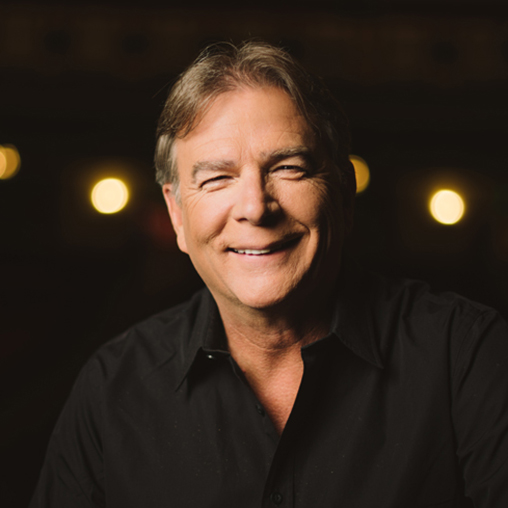
More Info for Bill Engvall
FridayOctober 23, 2026

Bill Engvall

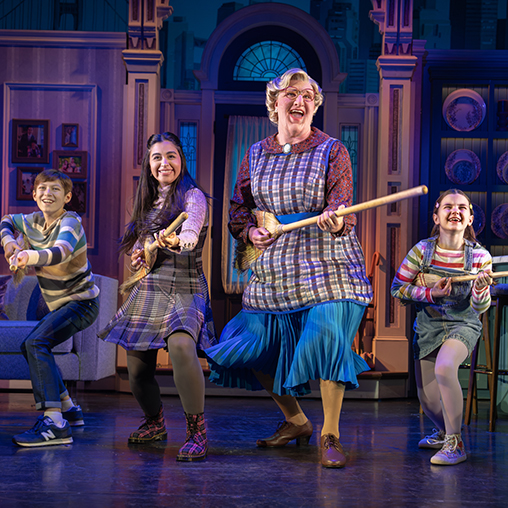
More Info for Mrs. Doubtfire: The Broadway Musical
TuesdayOctober 27, 2026
NobleBank & Trust proudly presents

Mrs. Doubtfire: The Broadway Musical

The National Broadway Tour

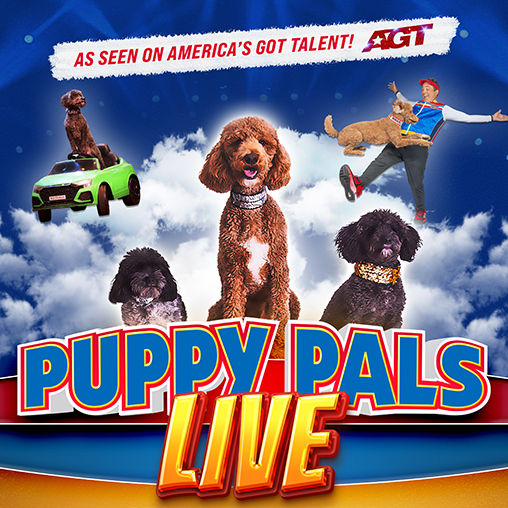
More Info for Puppy Pals
MondayNovember 2, 2026
Greg & Cheryl Potts proudly present

Puppy Pals

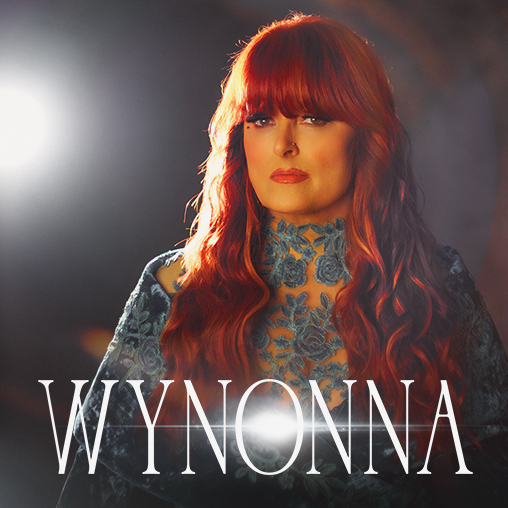
More Info for Wynonna: The Hard Truth Tour
FridayNovember 6, 2026
Webb Concrete & Building Materials proudly presents

Wynonna: The Hard Truth Tour

with special guest Troubadour Blue

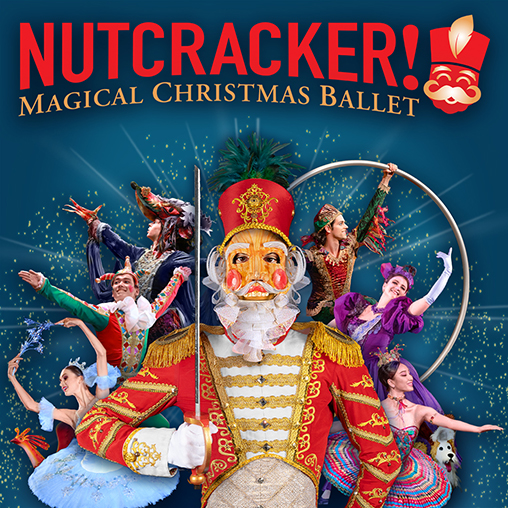
More Info for Nutcracker! Magical Christmas Ballet
TuesdayNovember 10, 2026
Drs. Igor & Tatiana Bidikov proudly present

Nutcracker! Magical Christmas Ballet

More Info for Jazz at OPAC
ThursdayNovember 12, 2026

Jazz at OPAC

Swing

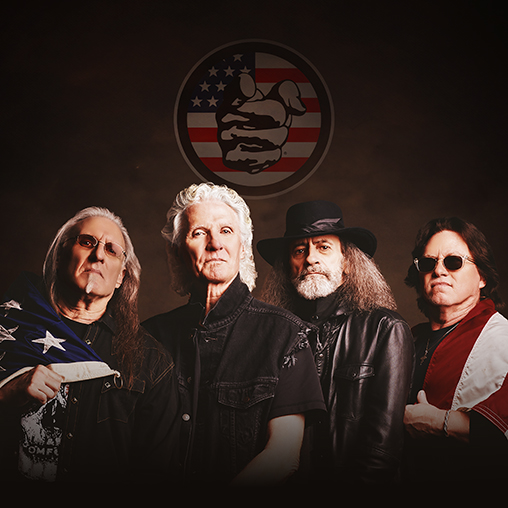
More Info for Grand Funk Railroad
SundayNovember 15, 2026
Investar Bank proudly presents

Grand Funk Railroad

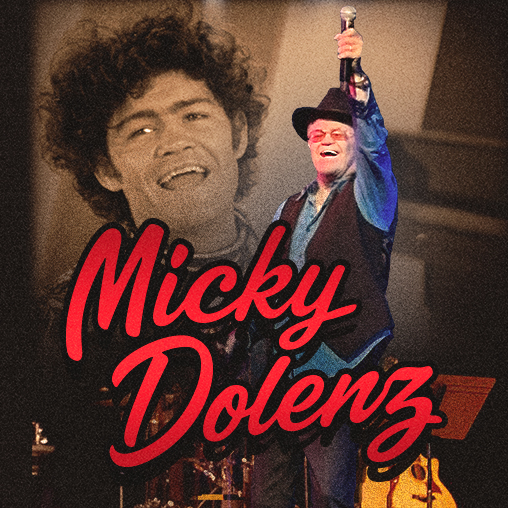
More Info for Micky Dolenz
FridayNovember 20, 2026
Coca-Cola United proudly presents

Micky Dolenz

60 YEARS OF THE MONKEES

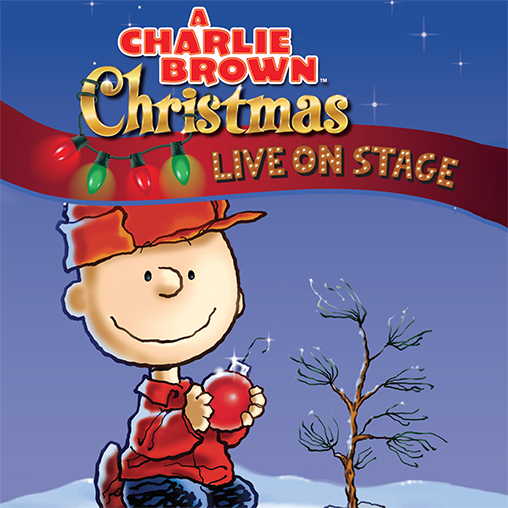
More Info for A Charlie Brown Christmas
MondayNovember 23, 2026
Designer Smiles by Benton proudly presents

A Charlie Brown Christmas

More Info for Edward Arthell Protho and Norman Dennis
ThursdayDecember 3, 2026

Edward Arthell Protho and Norman Dennis

10x10 Series

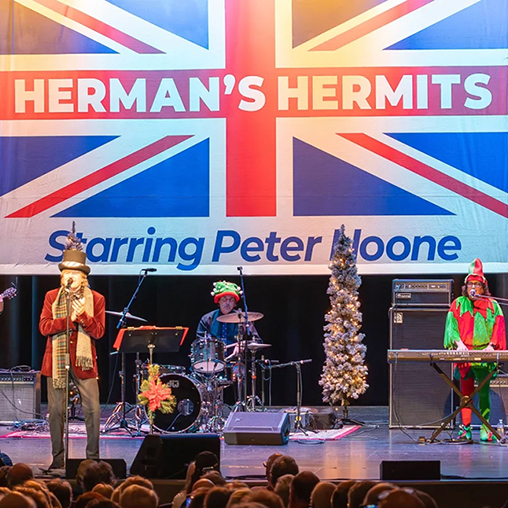
More Info for An Olde English Christmas with Peter Noone
FridayDecember 4, 2026
Kevin Greene, Tommy Harkins, & Donna Courtney proudly present

An Olde English Christmas with Peter Noone

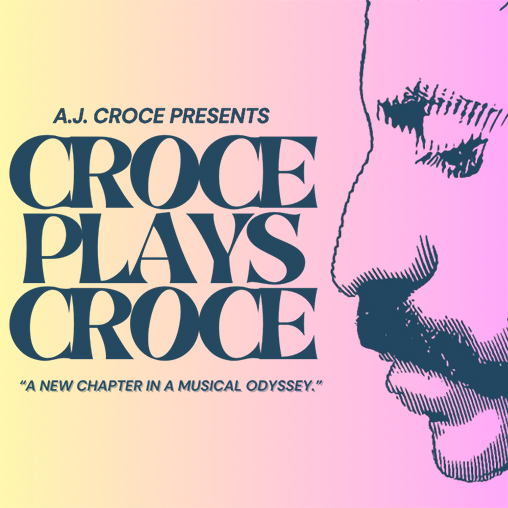
More Info for Croce Plays Croce
SundayDecember 6, 2026
Joe Bynum - Raymond James proudly presents

Croce Plays Croce

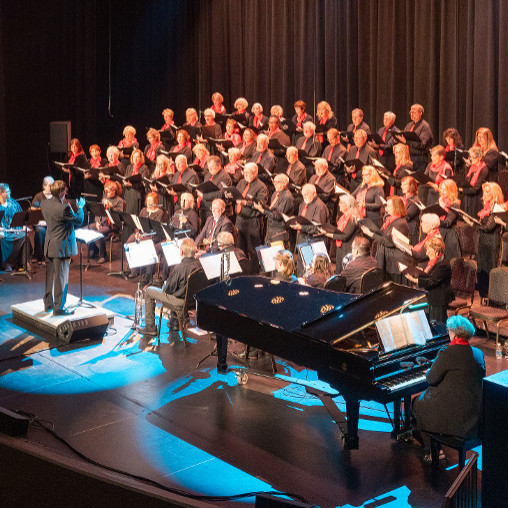
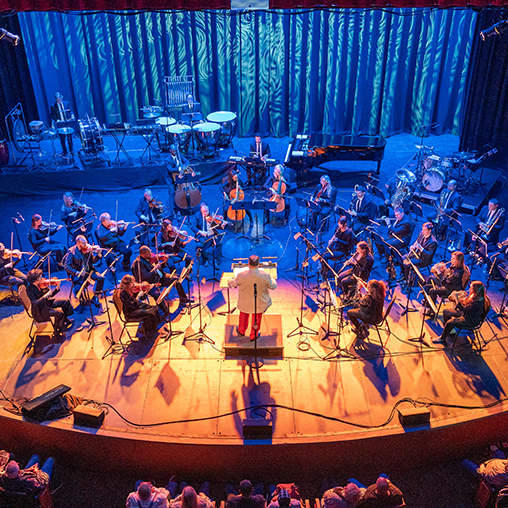
More Info for Christmas with The Pops
SundayDecember 13, 2026
Patrick & Sandy Bernardi proudly present

Christmas with The Pops

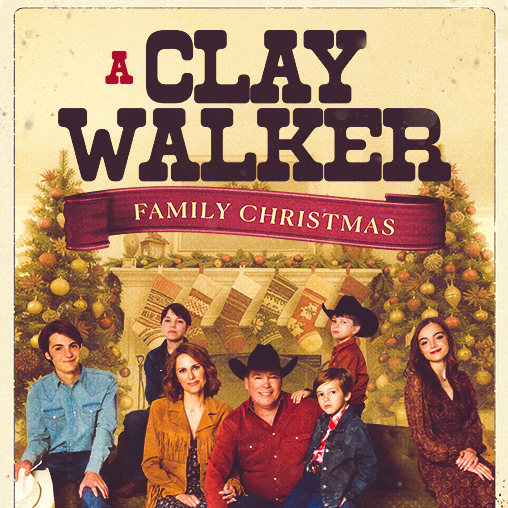
More Info for Clay Walker Family Christmas
ThursdayDecember 17, 2026
Webb Concrete & Building Materials proudly presents

Clay Walker Family Christmas

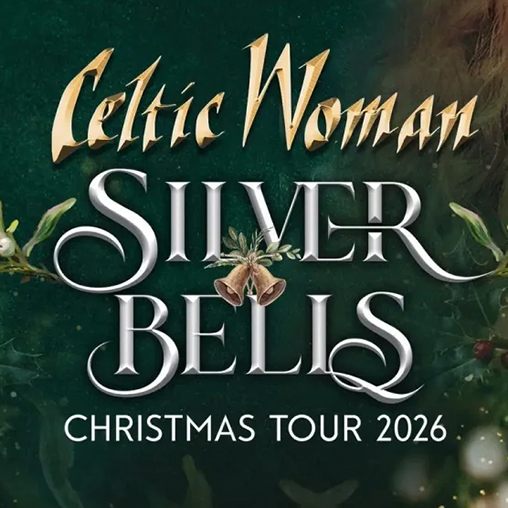
More Info for Celtic Woman: Silver Bells Christmas Tour
FridayDecember 18, 2026
First Bank of Alabama proudly presents

Celtic Woman: Silver Bells Christmas Tour

More Info for It's A Wonderful Life
MondayDecember 21, 2026
R&R Travel Service & Sandals | Beaches Resorts proudly presents

It's A Wonderful Life

The Motion Picture

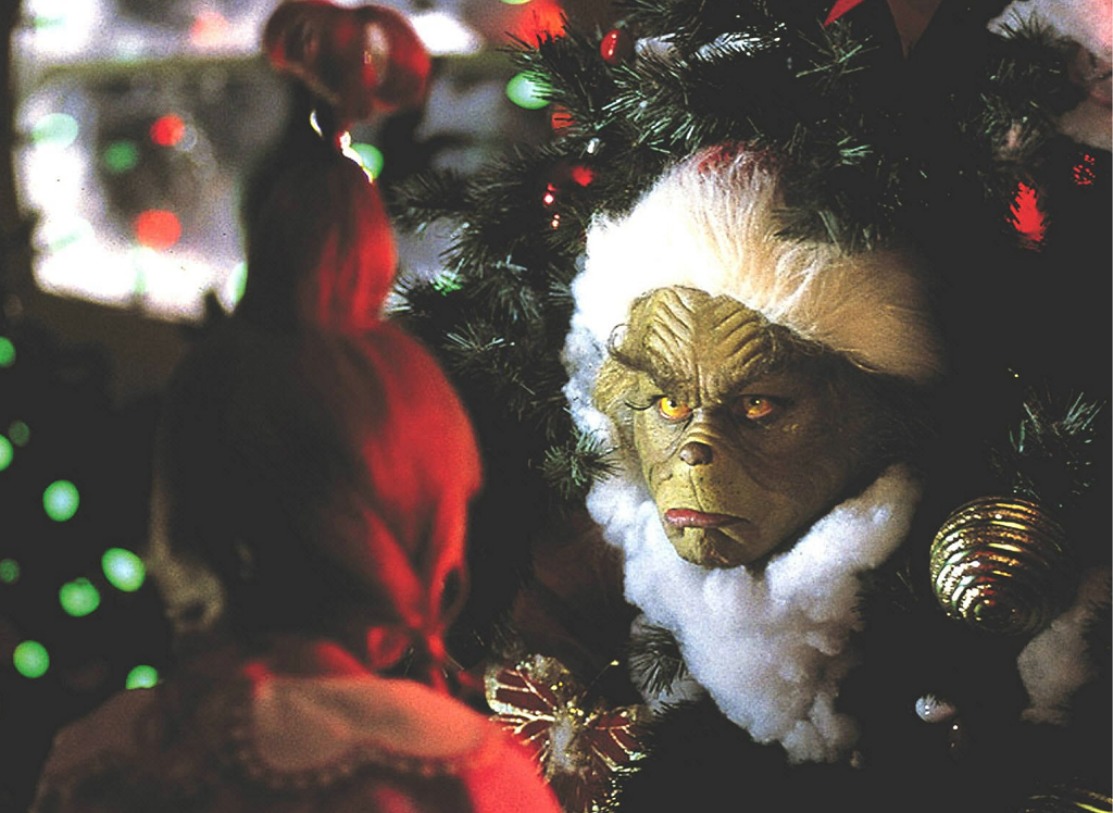
More Info for Dr. Seuss' How The Grinch Stole Christmas
TuesdayDecember 22, 2026
R&R Travel Service & Sandals | Beaches Resorts proudly presents

Dr. Seuss' How The Grinch Stole Christmas

The Motion Picture

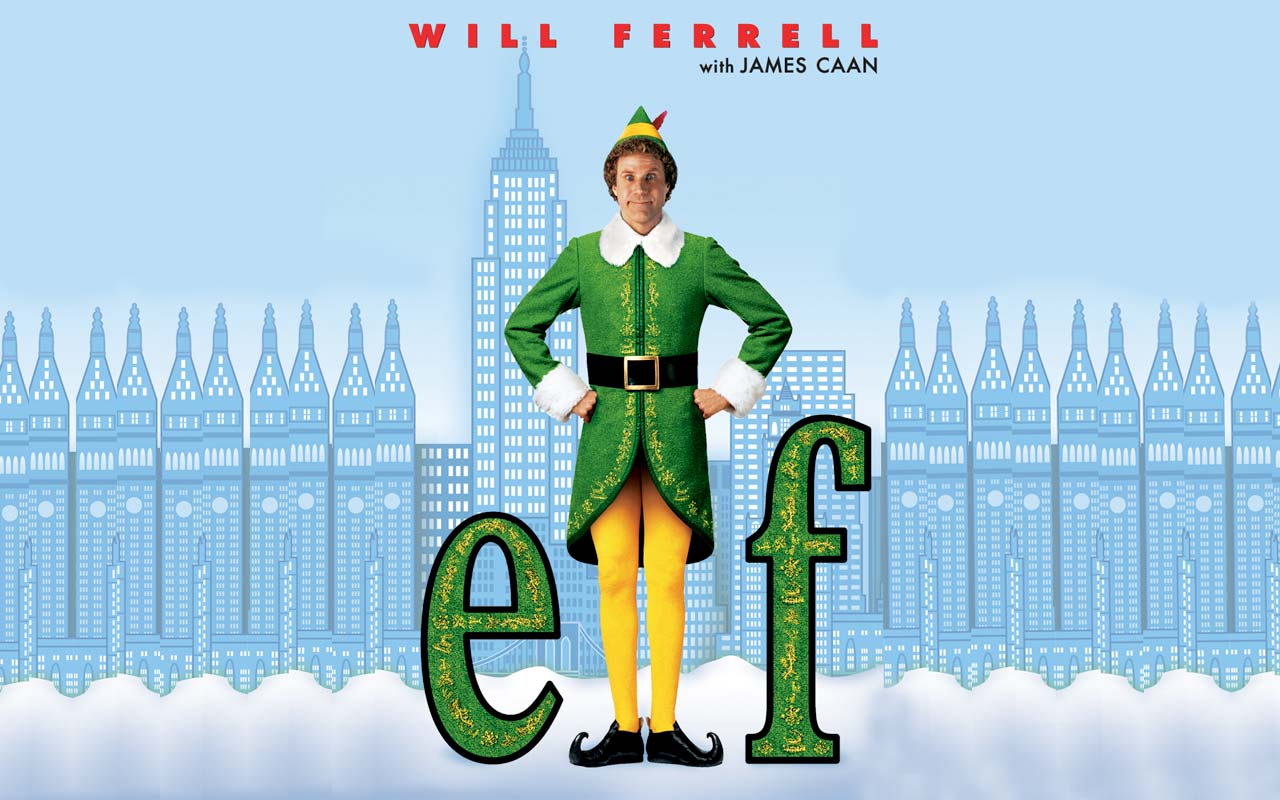
More Info for ELF
WednesdayDecember 23, 2026
R&R Travel Service & Sandals | Beaches Resorts proudly presents

ELF

The Motion Picture

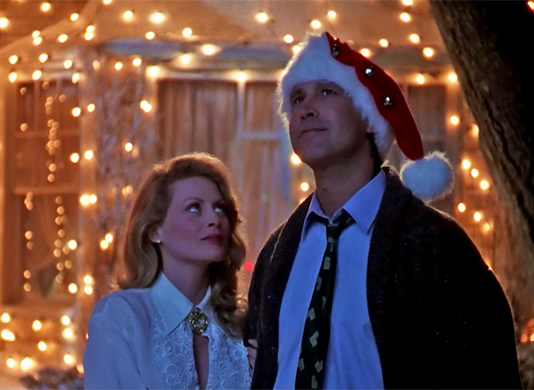
More Info for Christmas Vacation
ThursdayDecember 24, 2026
R&R Travel Service & Sandals | Beaches Resorts proudly presents

Christmas Vacation

The Motion Picture (PG-13)

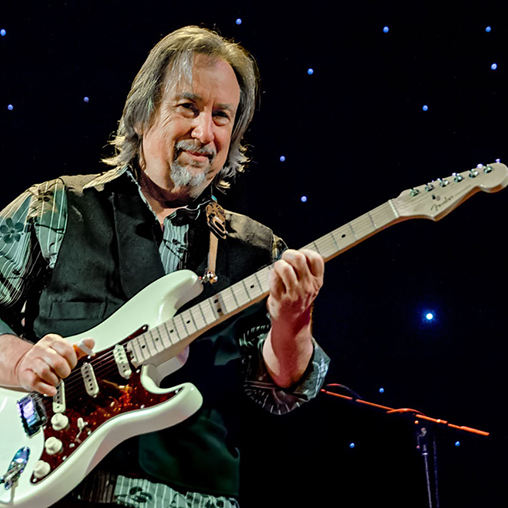
More Info for Jim Messina
ThursdayJanuary 7, 2027
Sugar Bear proudly presents

Jim Messina

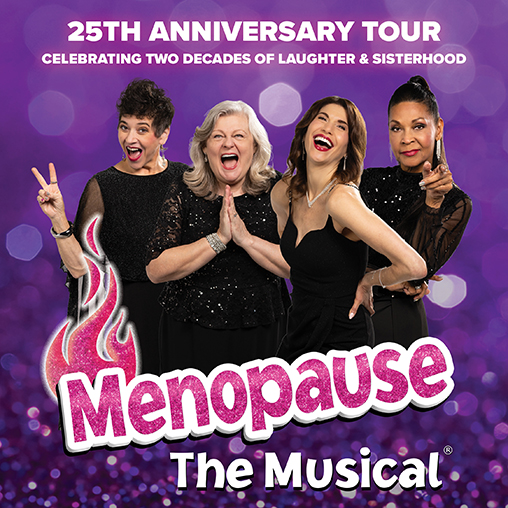
More Info for Menopause The Musical®
SundayJanuary 10, 2027
Jane Hamric Batey proudly presents

Menopause The Musical®

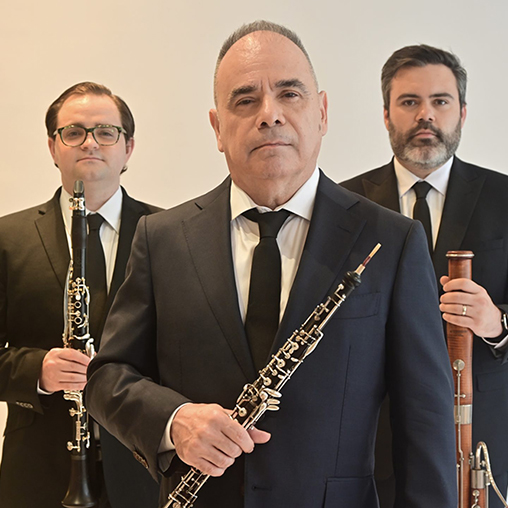
More Info for Frisson Trio d'Anches
TuesdayJanuary 12, 2027
The Community Foundation of Northeast Alabama proudly present

Frisson Trio d'Anches

More Info for The Who's Tommy: The Musical
ThursdayJanuary 21, 2027
NobleBank & Trust proudly presents

The Who's Tommy: The Musical

The National Broadway Tour

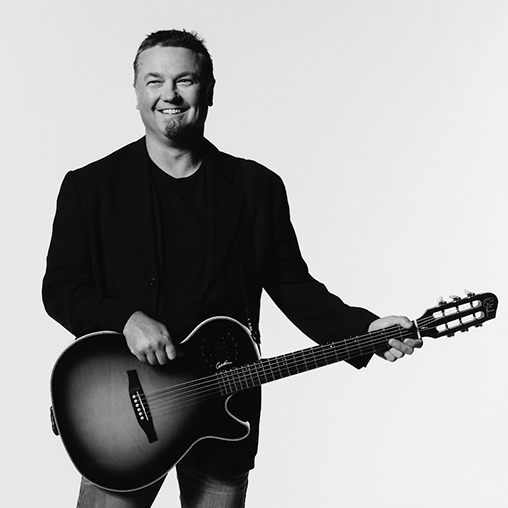
More Info for Edwin McCain
SaturdayJanuary 23, 2027

Edwin McCain

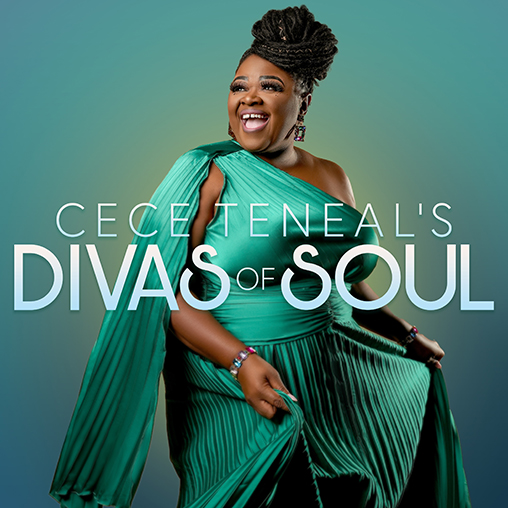
More Info for CeCe Teneal's Divas of Soul
ThursdayJanuary 28, 2027
Insurance Planning Services proudly present

CeCe Teneal's Divas of Soul

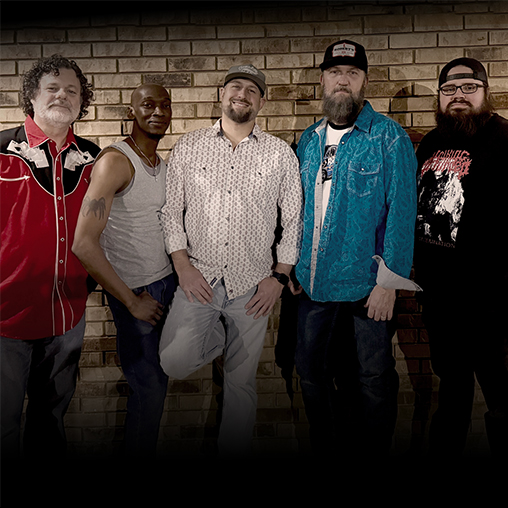
More Info for Highway Static
FridayJanuary 29, 2027

Highway Static

10x10 Series

More Info for American Pop
ThursdayFebruary 4, 2027
Cheaha Wealth Management proudly presents

American Pop

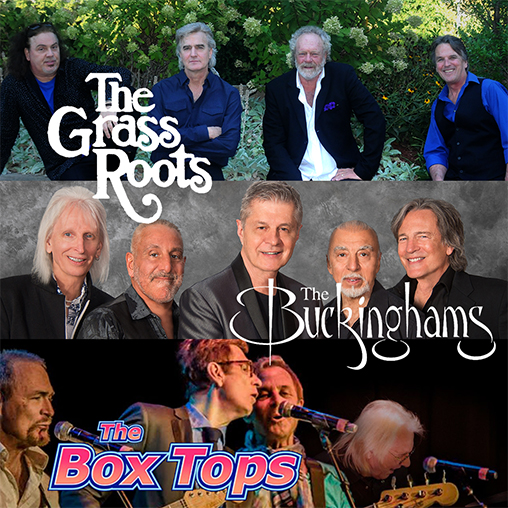
Featuring the Grass Roots, The Buckinghams, and The Box Tops

More Info for Gilbert & Sullivan's Pirates of Penzance
SaturdayFebruary 6, 2027
NobleBank & Trust proudly presents

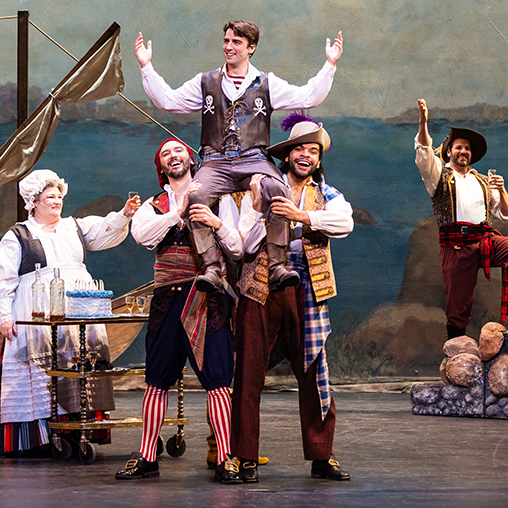
Gilbert & Sullivan's Pirates of Penzance

The National Broadway Tour

More Info for Lift Every Voice: A Celebration of Black Gospel Music
SundayFebruary 7, 2027
The Hardin Family proudly presents

Lift Every Voice: A Celebration of Black Gospel Music

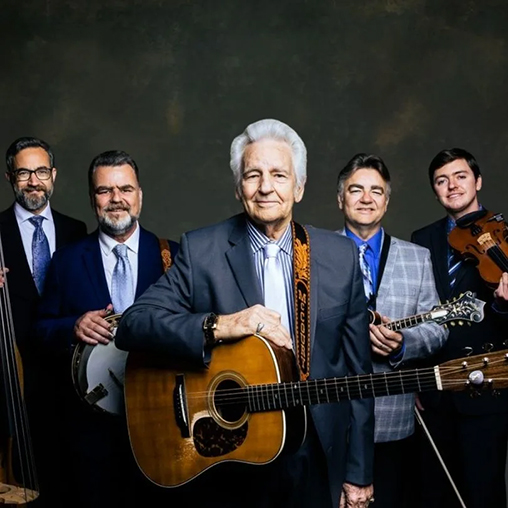
More Info for The Del McCoury Band
FridayFebruary 12, 2027
Keith and Karen Fountain proudly present

The Del McCoury Band

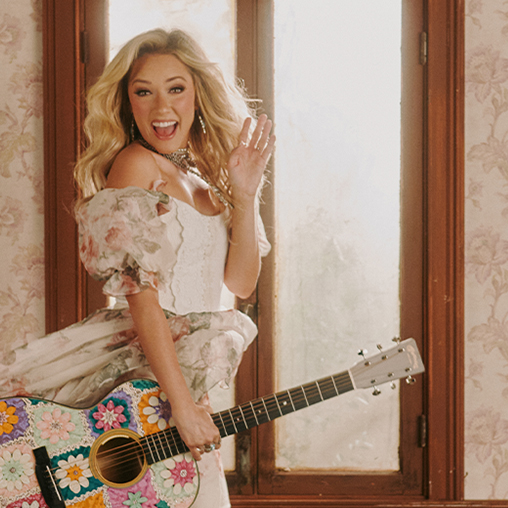
More Info for Emily Ann Roberts
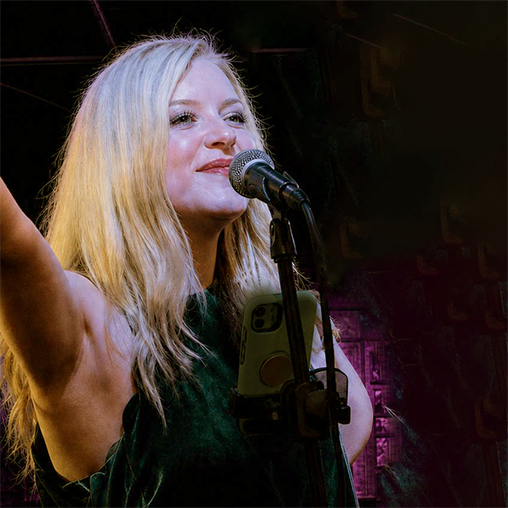
ThursdayFebruary 18, 2027

Emily Ann Roberts

The Thread Tour

On Sale SoonMore Info
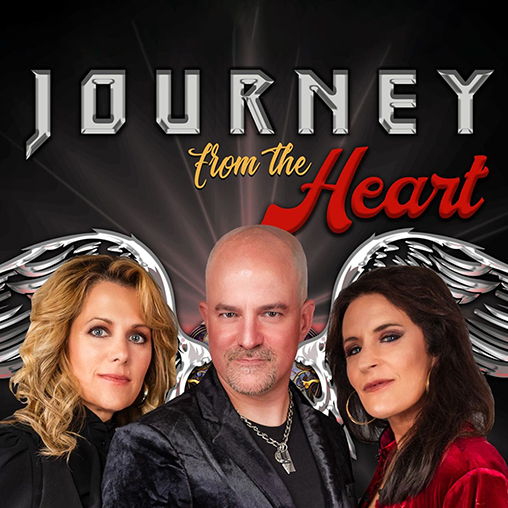
More Info for Journey From The Heart
SundayFebruary 21, 2027
Insurance Planning Services proudly presents

Journey From The Heart

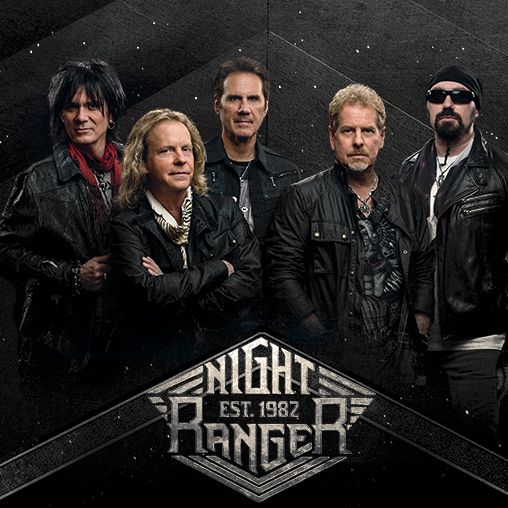
More Info for Night Ranger
ThursdayFebruary 25, 2027
The Moore Family Proudly Presents

Night Ranger

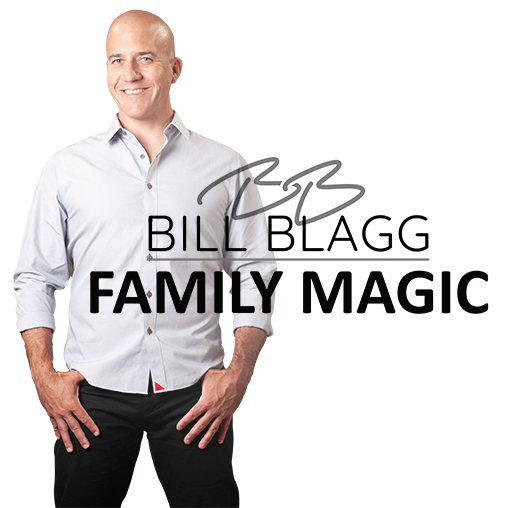
More Info for Bill Blagg Family Magic
SundayFebruary 28, 2027
Greg and Cheryl Potts proudly present

Bill Blagg Family Magic

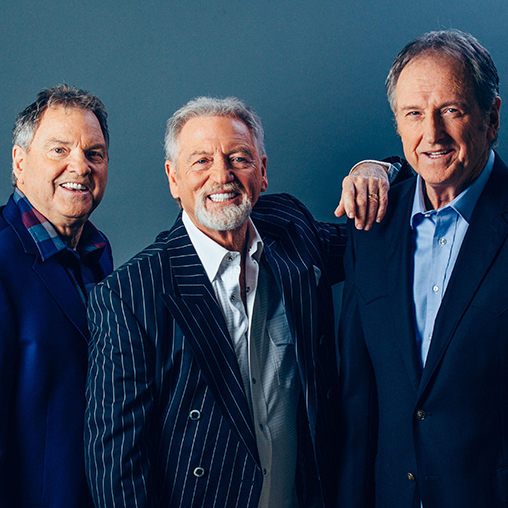
More Info for Gatlin Brothers
SaturdayMarch 6, 2027
Jack & Renea Chapman proudly present

Gatlin Brothers

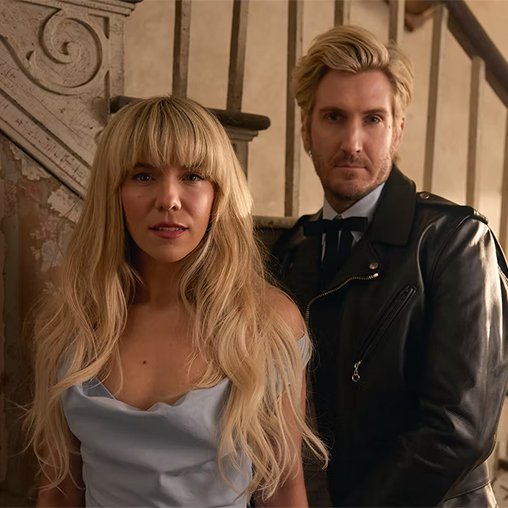
More Info for The Band Perry
SundayMarch 7, 2027

The Band Perry

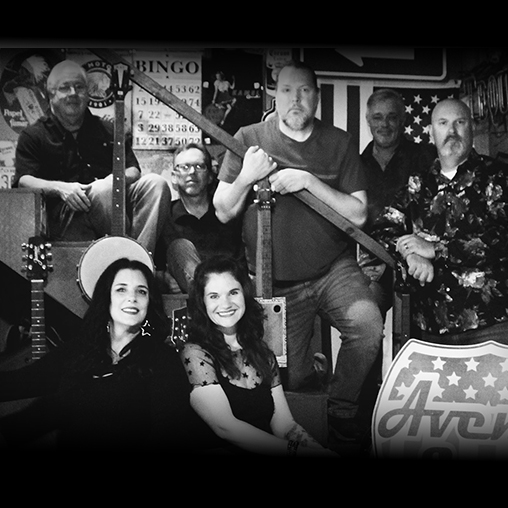
More Info for Avenue South
FridayMarch 12, 2027

Avenue South

10x10 Series

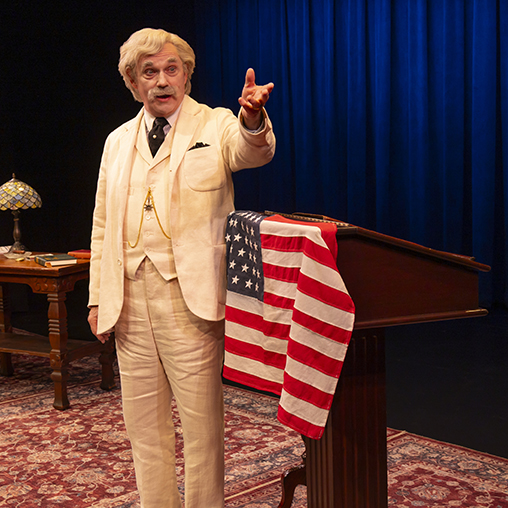
More Info for Mark Twain Tonight!
SaturdayMarch 13, 2027
Ms. Betty Howell proudly presents

Mark Twain Tonight!

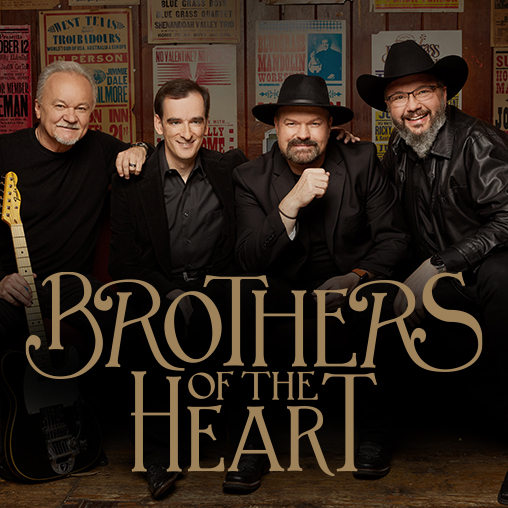
More Info for Brothers of the Heart
TuesdayMarch 16, 2027
Jerry & Sybille Goodson proudly present

Brothers of the Heart

More Info for Blues Deluxe
ThursdayMarch 18, 2027

Blues Deluxe

10x10 Series

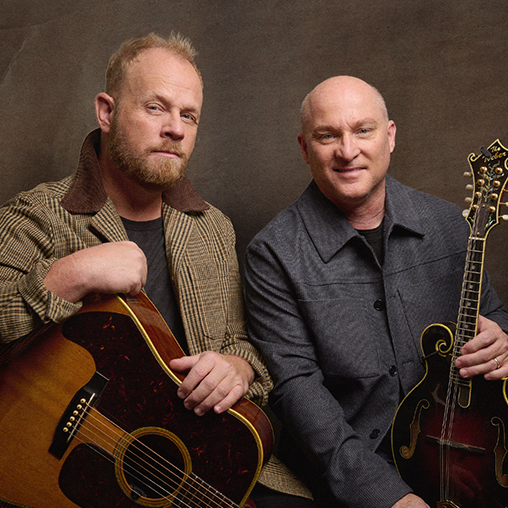
More Info for Dailey & Vincent
FridayMarch 19, 2027
Family Savings Credit Union proudly presents

Dailey & Vincent

More Info for Legends and Lore
SundayMarch 21, 2027
Pat and Sandy Bernardi proudly present

Legends and Lore

The Atlanta Pops

More Info for Jazz at OPAC
FridayApril 2, 2027

Jazz at OPAC

Caliente

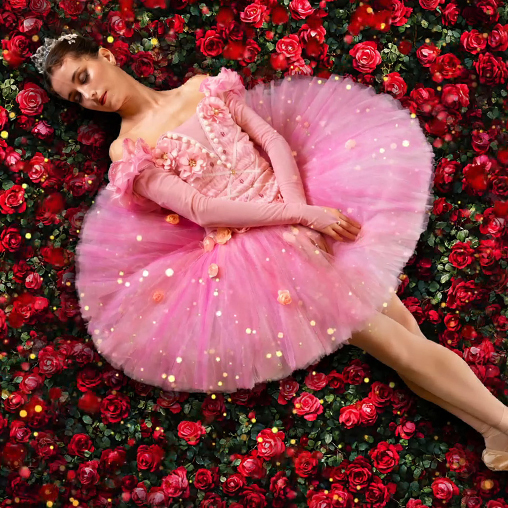
More Info for World Ballet Company's Sleeping Beauty
SaturdayApril 3, 2027
Ken & Jenny Howell proudly present

World Ballet Company's Sleeping Beauty

More Info for The Colorful Hat Circus
TuesdayApril 6, 2027
Greg and Cheryl Potts proudly present

The Colorful Hat Circus

More Info for Callie Knight
ThursdayApril 8, 2027

Callie Knight

10x10 Series

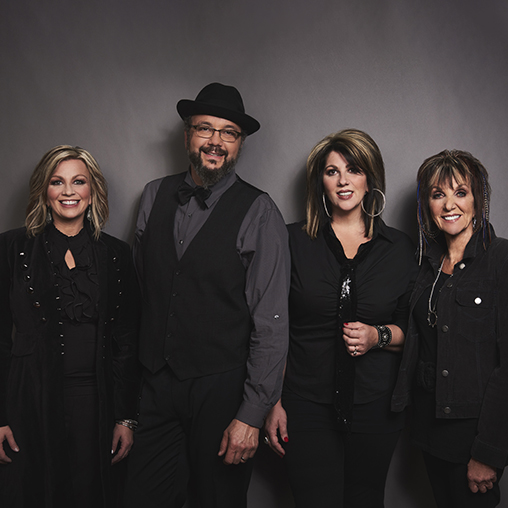
More Info for The Isaacs
FridayApril 9, 2027
Jerry & Sybille Goodson proudly present

The Isaacs

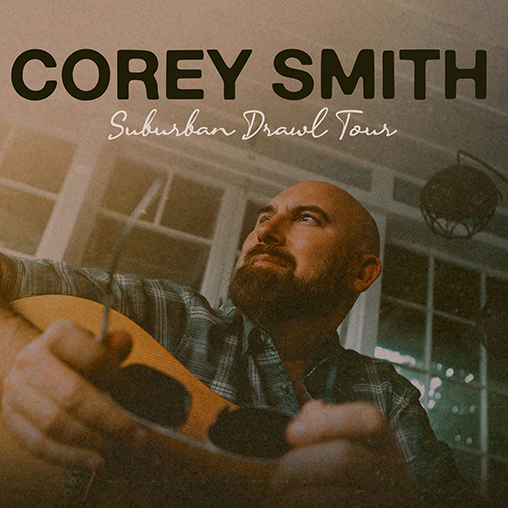
More Info for Corey Smith
SaturdayApril 10, 2027
DEX Imaging proudly presents

Corey Smith

More Info for The Tekalli Duo
TuesdayApril 13, 2027
The Community Foundation of Northeast Alabama proudly present

The Tekalli Duo

More Info for Travis Tritt
FridayApril 16, 2027
H.B. & Heather Enger proudly present

Travis Tritt

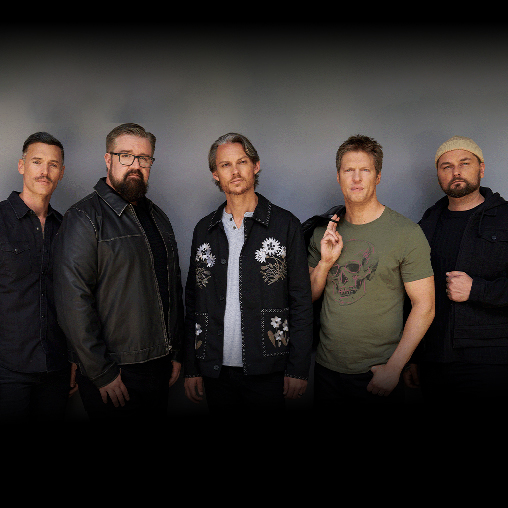
More Info for Home Free
SaturdayApril 17, 2027
Visit Calhoun County proudly presents

Home Free

More Info for JD Cable
ThursdayApril 29, 2027

JD Cable

10x10 Series

More Info for Sister Hazel
FridayApril 30, 2027

Sister Hazel

More Info for Carnivale Fantastico
SaturdayMay 1, 2027
Pat and Sandy Bernardi proudly present

Carnivale Fantastico

with the Atlanta Pops Orchestra

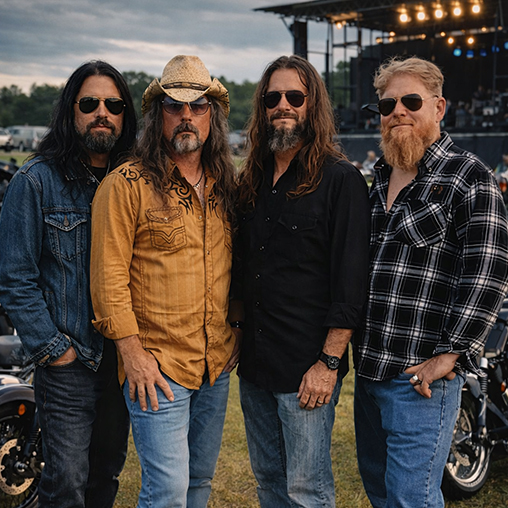
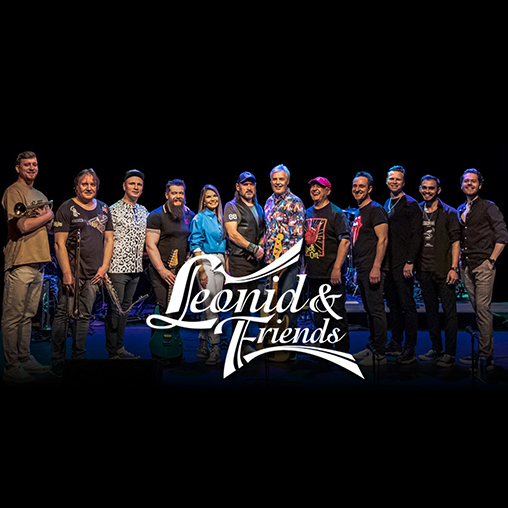
More Info for Leonid & Friends
MondayMay 3, 2027
Chuck & Leigh Ann Keith proudly present

Leonid & Friends

More Info for Dalton Jones and Cooper Walker
ThursdayMay 6, 2027

Dalton Jones and Cooper Walker

10x10 Series

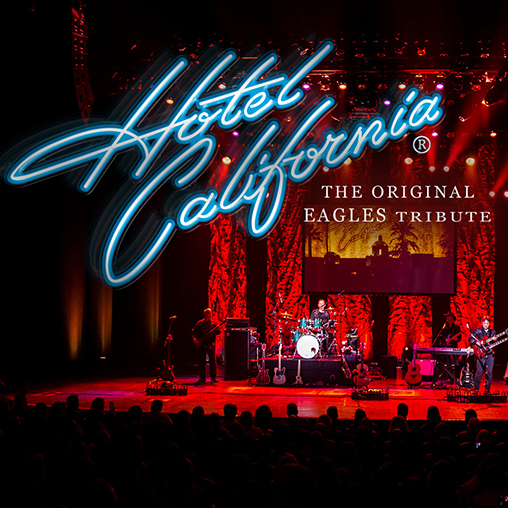
More Info for Hotel California
FridayMay 7, 2027
Insurance Planning Services proudly presents

Hotel California

The Original Eagles Tribute

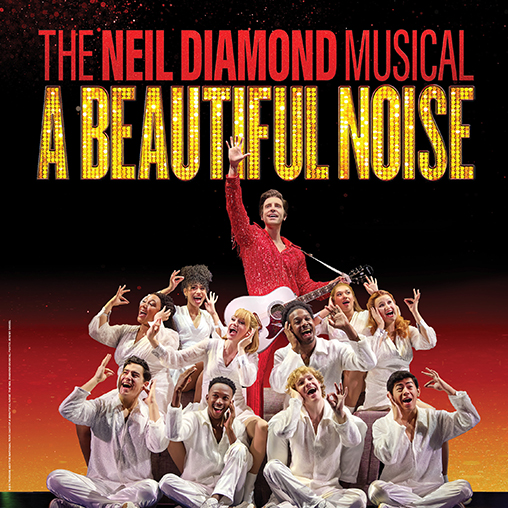
More Info for A Beautiful Noise: The Broadway Musical
ThursdayJuly 15, 2027
NobleBank & Trust proudly presents

A Beautiful Noise: The Broadway Musical

The National Broadway Tour

All Events

Upcoming Events

More Info for Tim Lovelace
ThursdayOctober 22, 2026

Tim Lovelace

10 x 10 Series

More Info for Bill Engvall
FridayOctober 23, 2026

Bill Engvall

More Info for Mrs. Doubtfire: The Broadway Musical
TuesdayOctober 27, 2026
NobleBank & Trust proudly presents

Mrs. Doubtfire: The Broadway Musical

The National Broadway Tour

More Info for Puppy Pals
MondayNovember 2, 2026
Greg & Cheryl Potts proudly present

Puppy Pals

More Info for Wynonna: The Hard Truth Tour
FridayNovember 6, 2026
Webb Concrete & Building Materials proudly presents

Wynonna: The Hard Truth Tour

with special guest Troubadour Blue

More Info for Nutcracker! Magical Christmas Ballet
TuesdayNovember 10, 2026
Drs. Igor & Tatiana Bidikov proudly present

Nutcracker! Magical Christmas Ballet

More Info for Jazz at OPAC
ThursdayNovember 12, 2026

Jazz at OPAC

Swing

More Info for Grand Funk Railroad
SundayNovember 15, 2026
Investar Bank proudly presents

Grand Funk Railroad

All Events

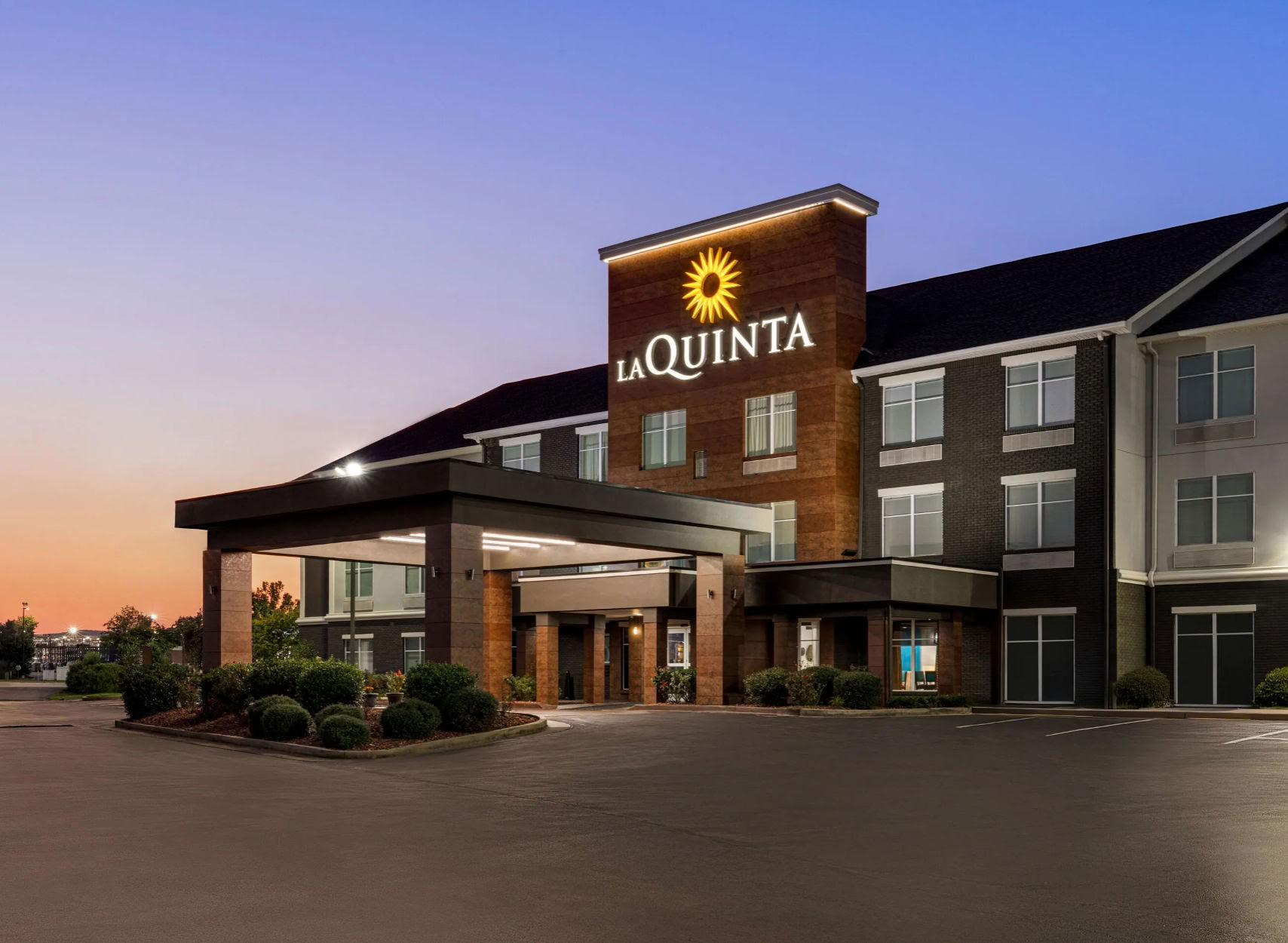
La Quinta Inn & Suites

100 Colonial Drive
Oxford, Alabama 36203
Phone: 256-294-1258

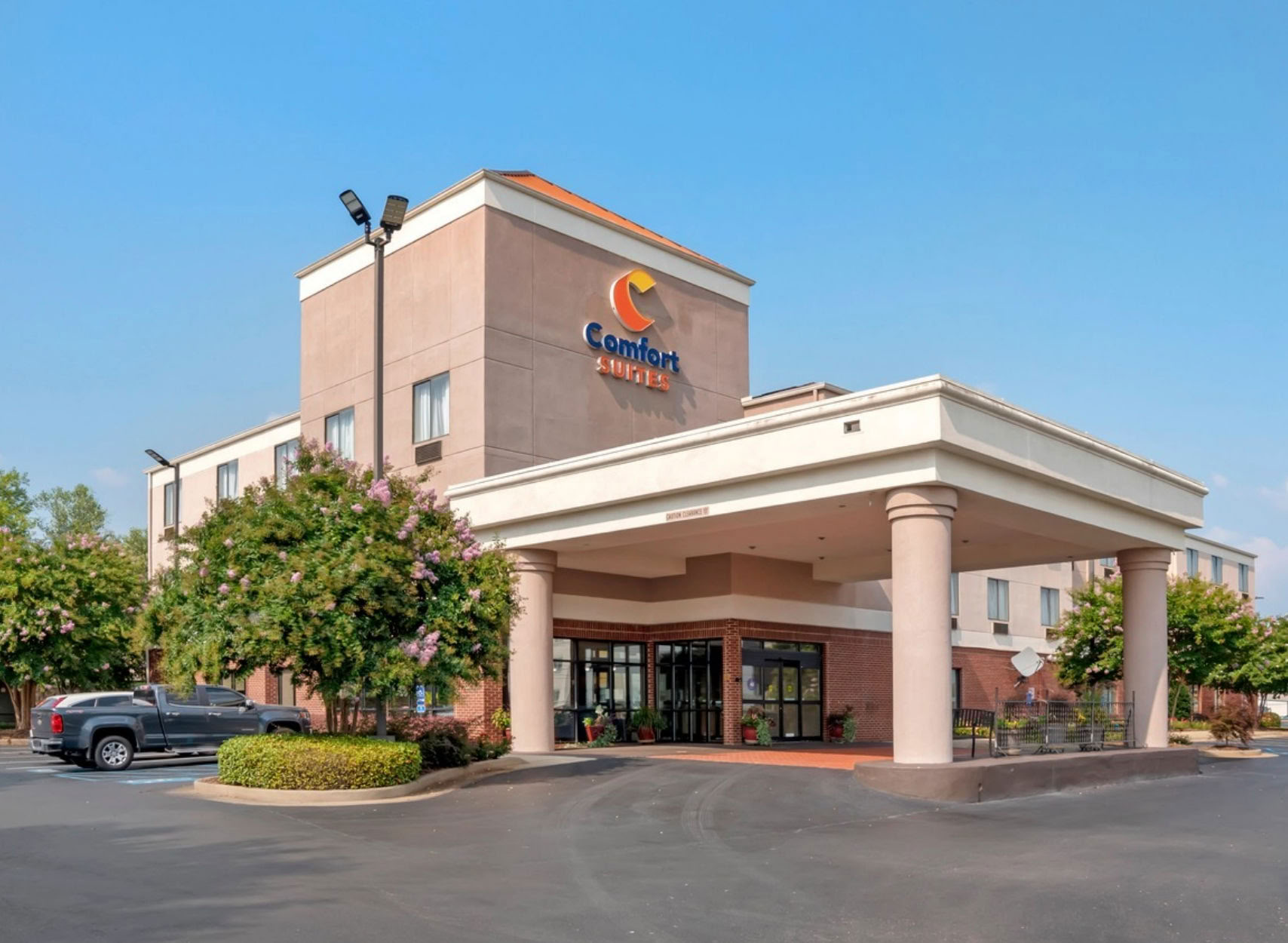
Comfort Suites

125 Davis Loop
Oxford, Alabama 36203
Phone: 256-835-8873

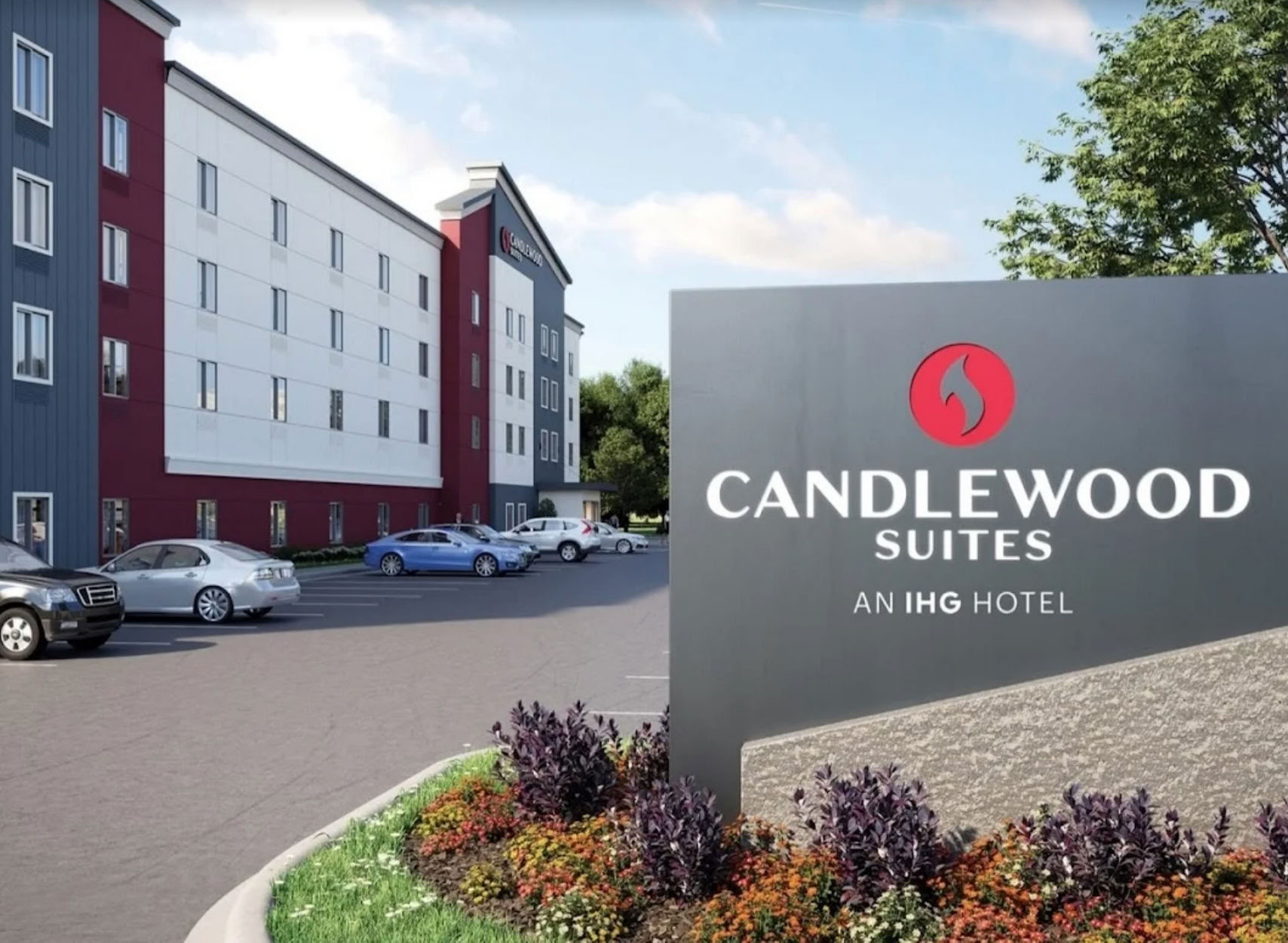
Candlewood Suites

1381 Boiling Springs Road
Oxford, Alabama 36203
Phone: 256-525-4044

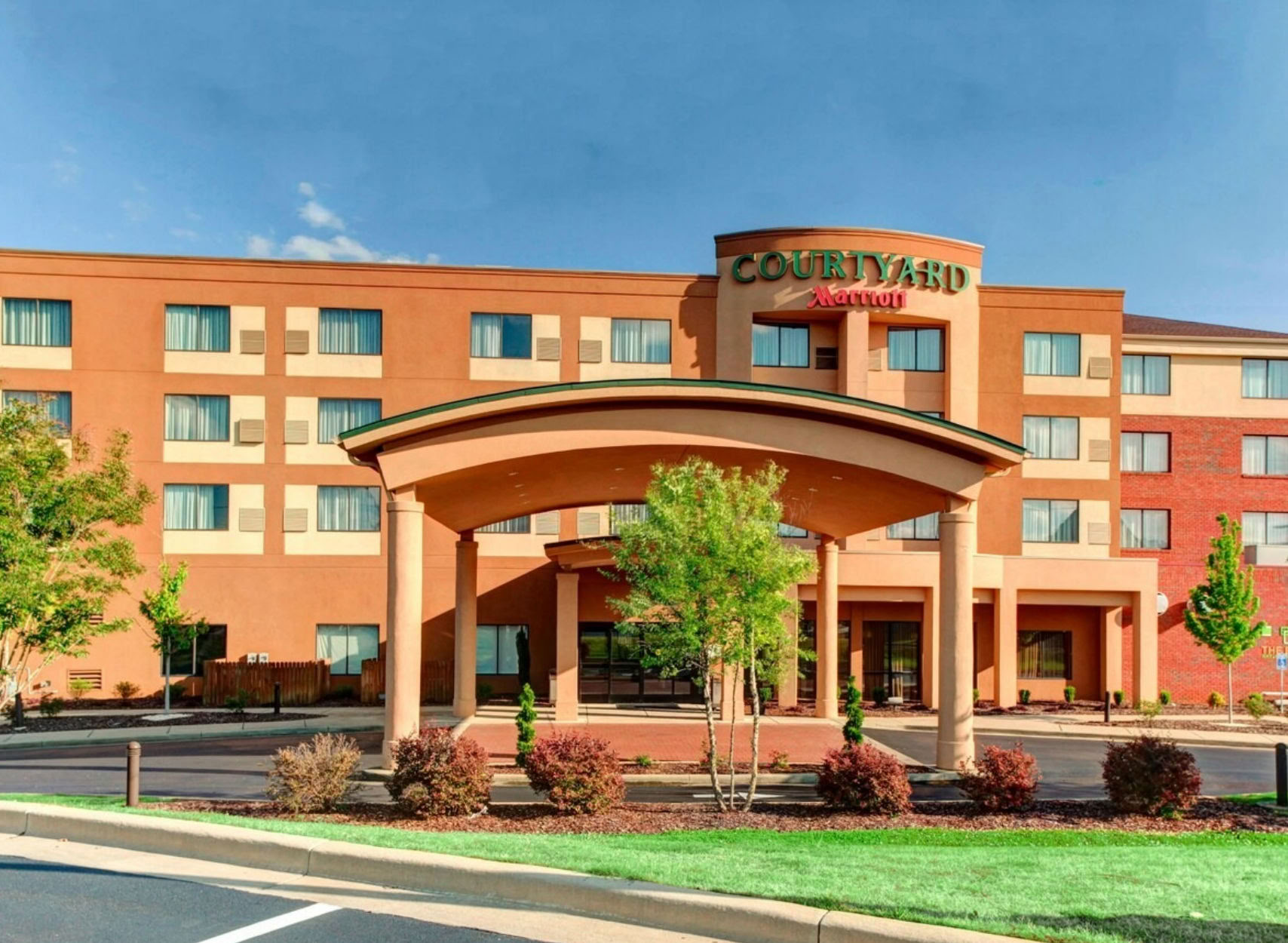
Courtyard by Marriott

289 Colonial Drive
Oxford, Alabama 36203
Phone: 256-831-7995

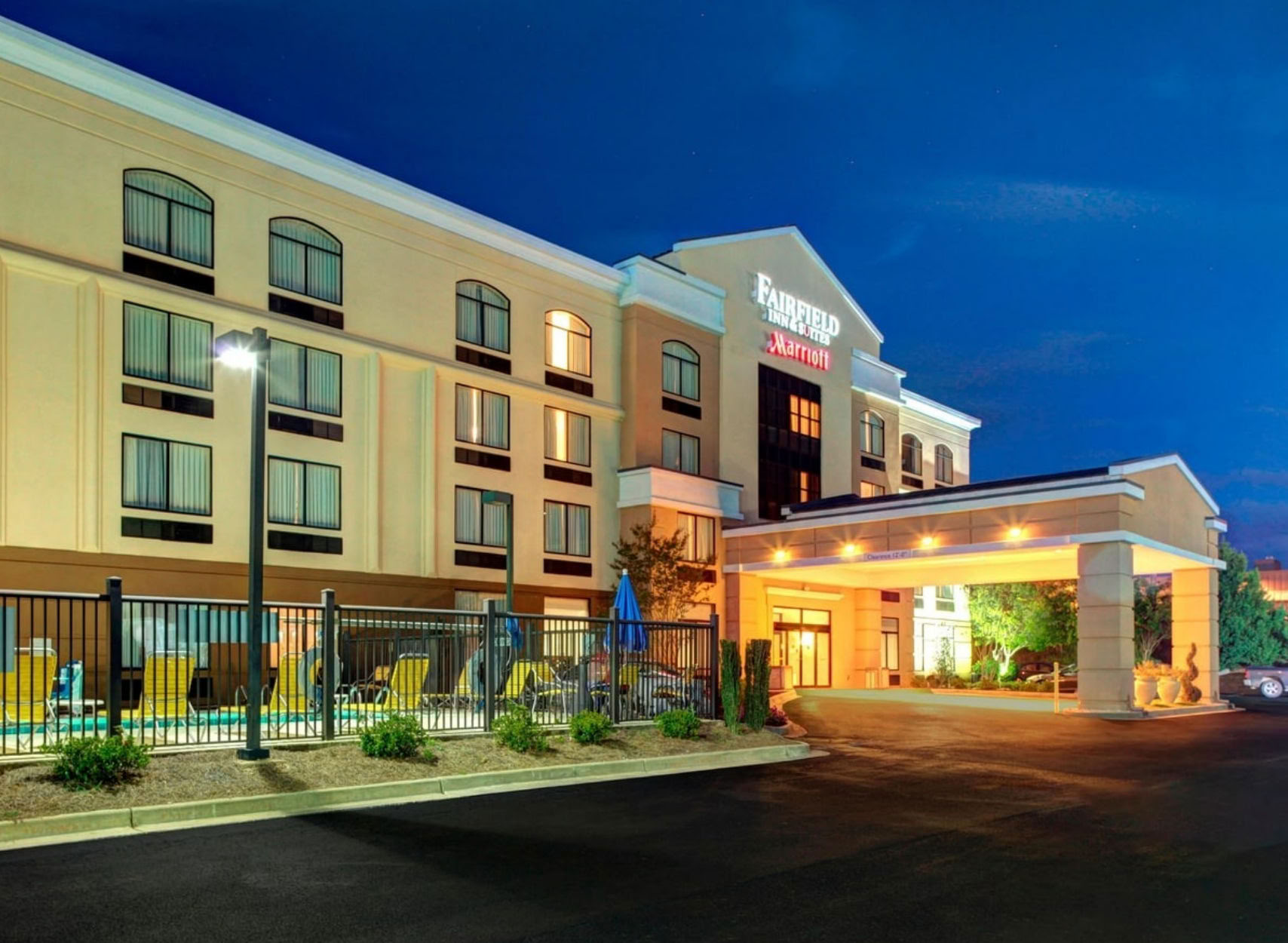
Fairfield Inn and Suites

143 Colonial Drive
Oxford, Alabama 36203
Phone: 256-831-1921

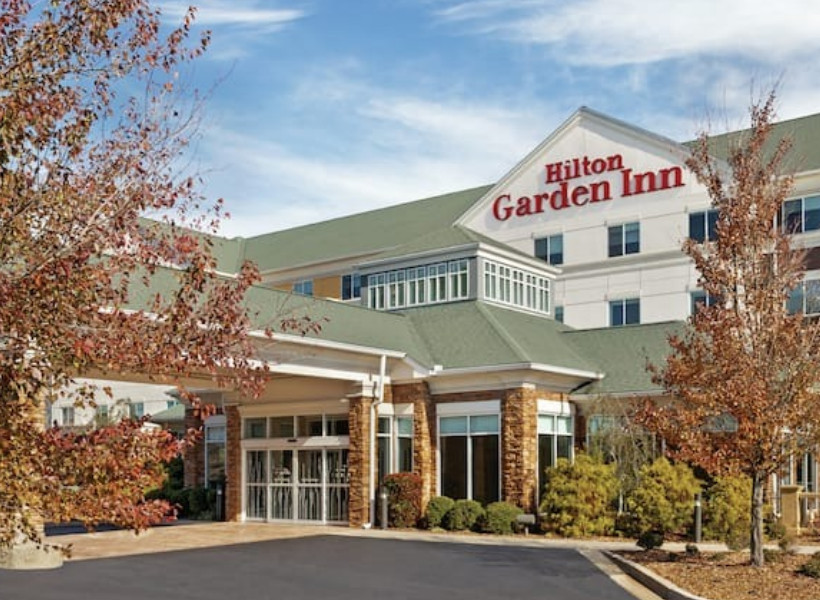
Hilton Garden Inn

280 Colonial Drive
Oxford, Alabama 36203
Phone: 256-831-0083

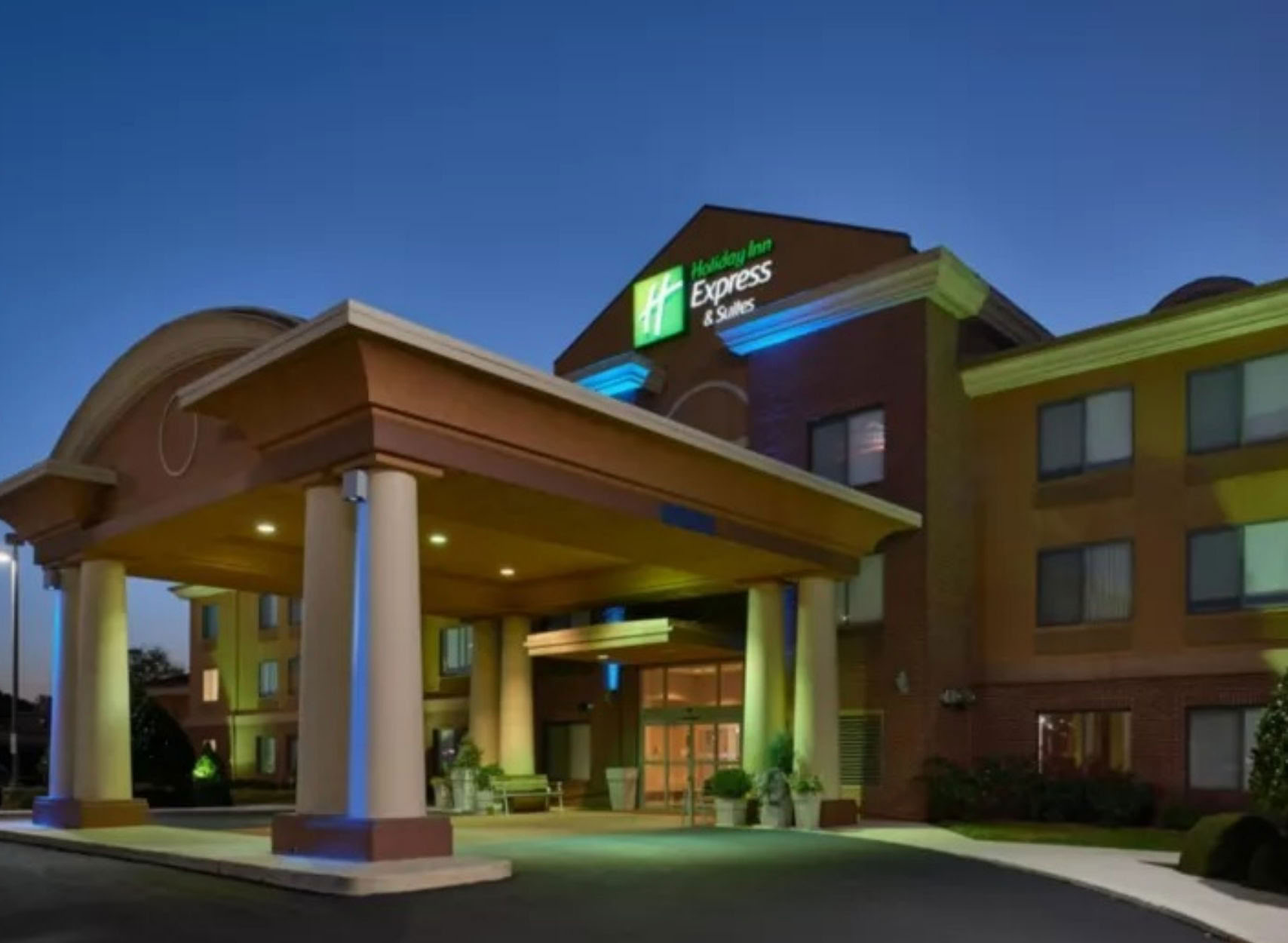
Holiday Inn Express

160 Colonial Drive
Oxford, Alabama 36203
Phone: 256-835-8768

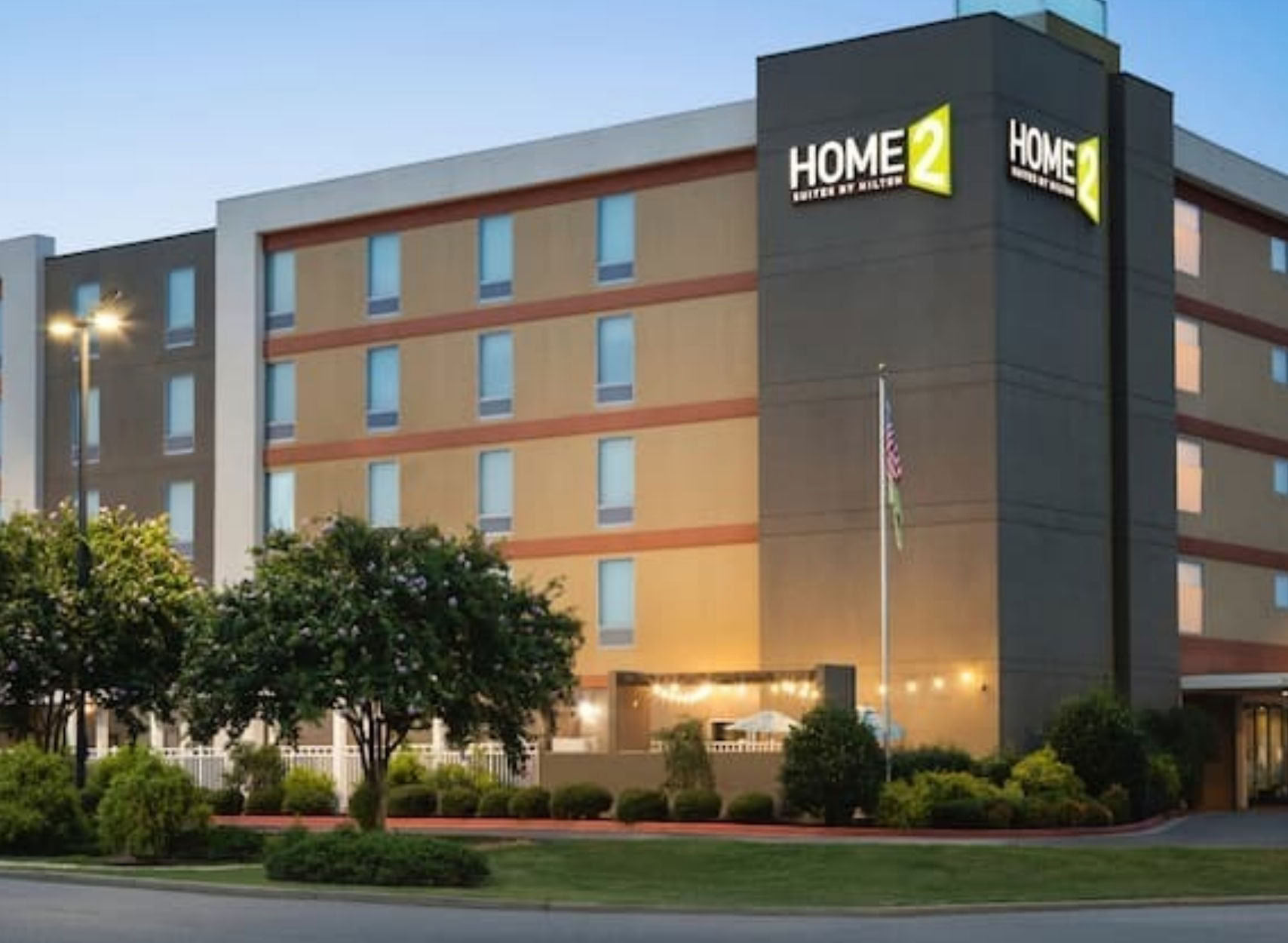
Home2 Suites by Hilton

300 Colonial Drive
Oxford, Alabama 36203
Phone: 256-831-7008

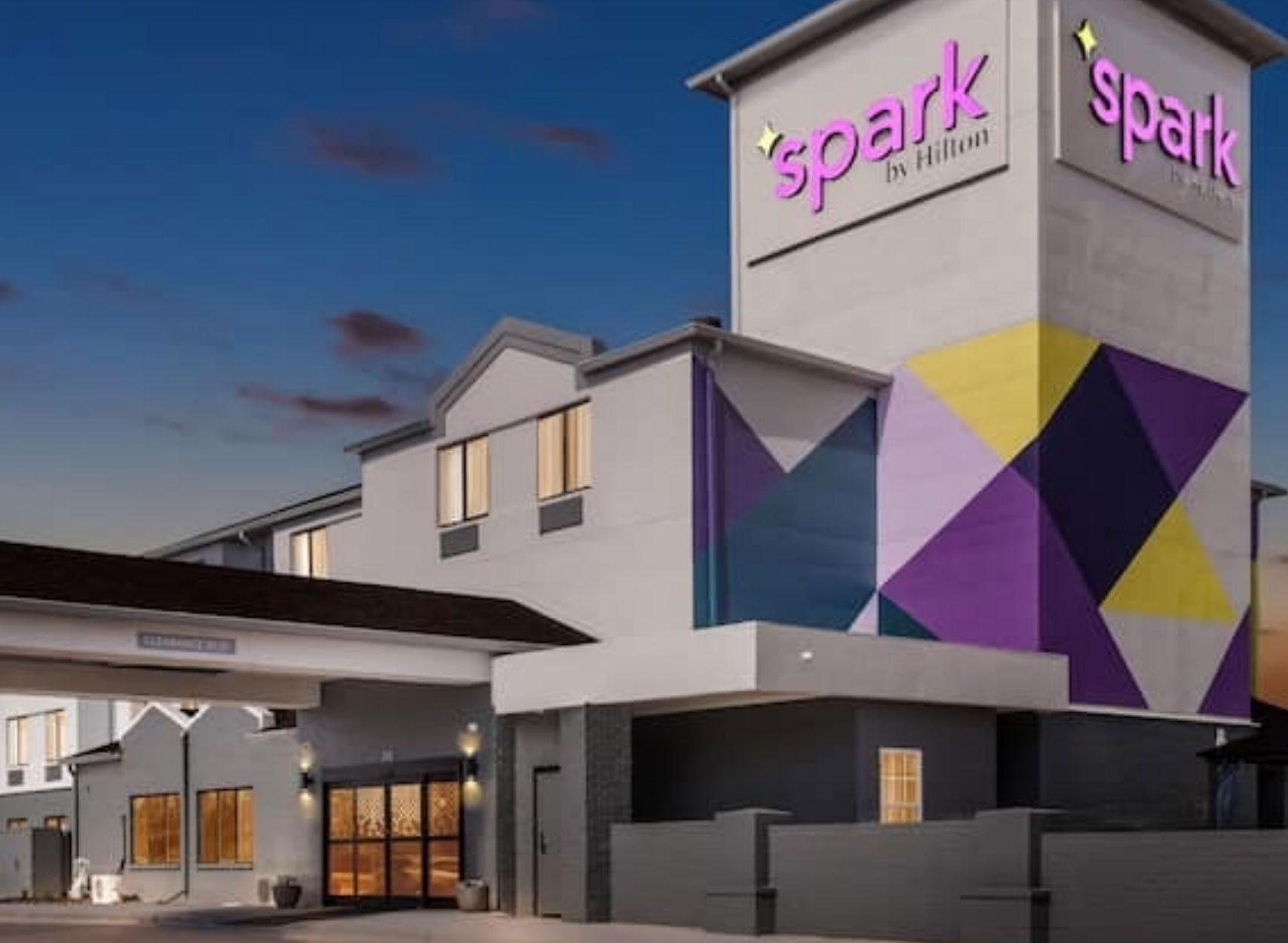
SPARK by Hilton

88 Colonial Drive
Oxford, Alabama 36203
Phone: 256-831-2191

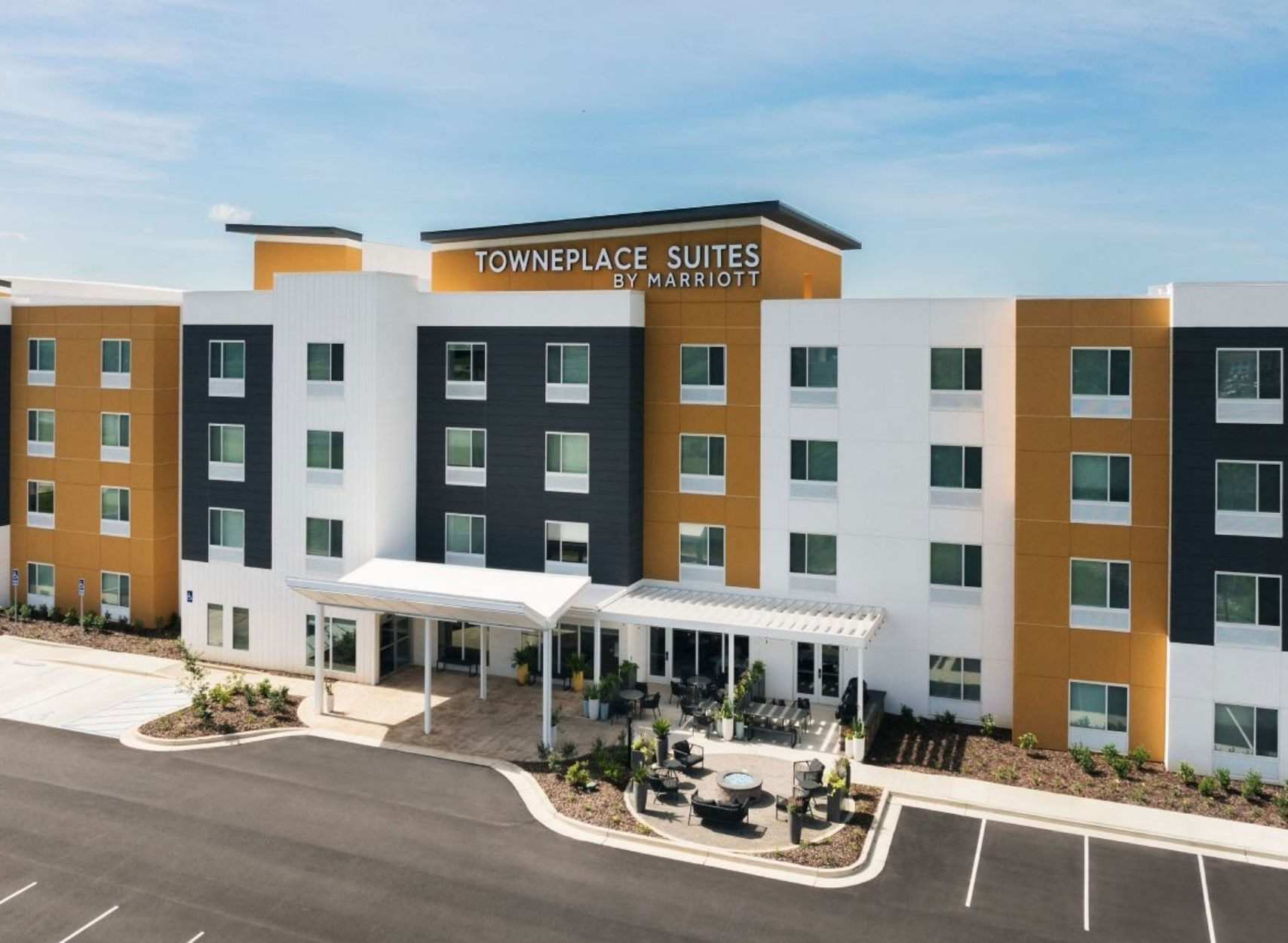
TownePlace Suites by Marriott

267 Hospitality Way
Oxford, Alabama 36203
Phone: 205-434-9100

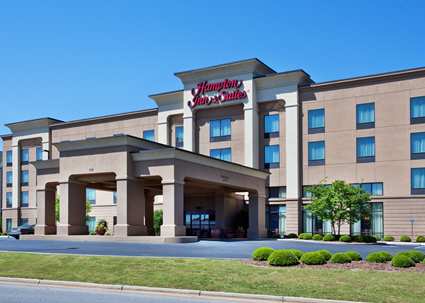
Hampton Inn & Suites Oxford-Anniston

210 Colonial Drive
Oxford, Alabama 36203
Phone: 256-831-8958

Map

News

TuesdayOctober 20, 2026

OPAC Launches New Website

Redesigned site offers a mobile-friendly experience and a renewed focus on content...

More Info
FridayDecember 12, 2025

Celebrate the Season with Christmas Movie Magic at OPAC

Grab the kids, call the grandparents, and bring the whole family to the Oxford Performing Arts Center for FREE holiday movies December 21-24!

More Info
SundayDecember 7, 2025

Trisha Yearwood Concert Update

More Info
FridayOctober 17, 2025

Larry K. Martin: “Ephemeral Eden – Stories Behind the Paintings"

Step into the world of wildlife artist Larry K. Martin at “Ephemeral Eden – Stories Behind the Paintings.” Hear the stories behind his…

More Info
ThursdayOctober 16, 2025

OPAC to present twelfth annual Christmas Movie Festival

The Oxford Performing Arts Center is proud to present its annual Christmas Movie Festival for the twelfth year in a row.   The festival…

More Info
ThursdayDecember 7, 2023

OPAC to present tenth annual Christmas Movie Festival

The Oxford Performing Arts Center is proud to present its annual Christmas Movie Festival for the tenth year in a row.   The festival will feature…

More Info
MondayOctober 5, 2020

Next Steps

More Info
MondayDecember 18, 2017

OPAC Winter Holiday Hours

More Info
WednesdayMarch 2, 2016

News article with all fields filled out

Lorem ipsum dolor sit amet, consectetur adipiscing elit. Duis dictum, urna eu faucibus mollis, arcu nulla dignissim mi, eu bibendum nibh dolor at tortor.…

More Info
WednesdayMarch 2, 2016

Has Media - News Title Goes Here

Lorem ipsum dolor sit amet, consectetur adipiscing elit. Duis dictum, urna eu faucibus mollis, arcu nulla dignissim mi, eu bibendum nibh dolor at tortor.…

More Info
WednesdayMarch 2, 2016

No Media - News Title With Long Title to Wrap

Lorem ipsum dolor sit amet, consectetur adipiscing elit. Duis dictum, urna eu faucibus mollis, arcu nulla dignissim mi, eu bibendum nibh dolor at tortor.…

More Info
WednesdayMarch 2, 2016

Thumbnail Only - News Title Goes Here

Lorem ipsum dolor sit amet, consectetur adipiscing elit. Duis dictum, urna eu faucibus mollis, arcu nulla dignissim mi, eu bibendum nibh dolor at tortor.…

More Info

Slideshow

Sample Slideshow Image
Taylor Swift - Cardigan

Extras

Youtube Video Alternating (Updated Code)

This updated alternating panel fixes the scaling issue and honoring the border. 

Vimeo Video Alternating (Updated Code)

This updated alternating panel fixes the scaling issue and honoring the border.

MP4 Alternating (Updated Code)

This updated alternating panel fixes the scaling issue and honoring the border.

Modal Button Text (Updated Code)

This is the modal that now has the updated "Learn More" button text!